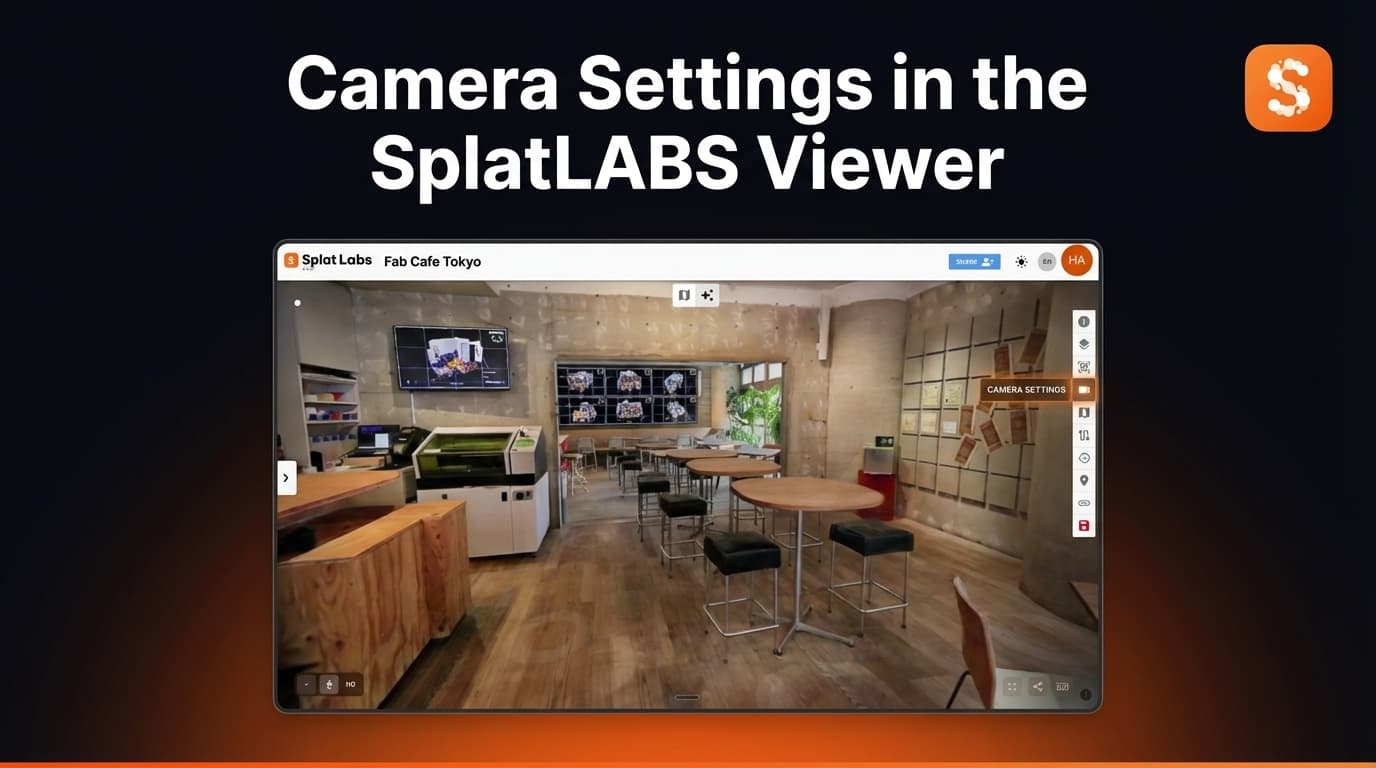

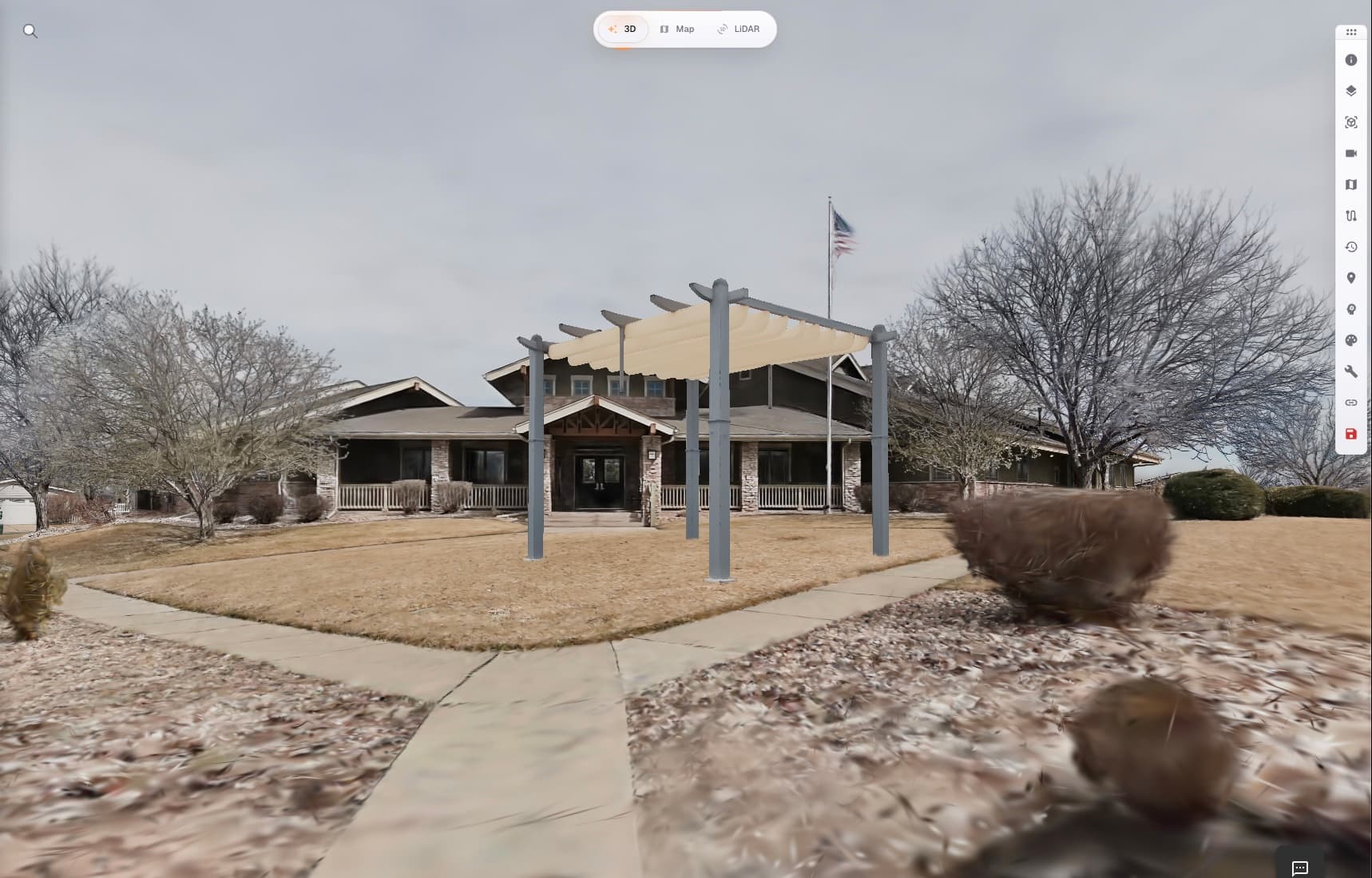
Generate from image est désormais disponible dans Splat Labs Cloud. Ouvrez n'importe quel projet que vous pouvez éditer, choisissez une photo de l'objet souhaité (une chaise, un vase, un équipement), masquez-le et cliquez sur Generate. Une minute plus tard, il apparaît sous forme d'objet 3D placé dans votre Gaussian Splat — sélectionnable, déplaçable et parcourable sous tous les angles.
Pas d'outils externes. Pas de pipeline GLB.
Voir en action
Photo → objet masqué → 3D parcourable, le tout dans le visualiseur Splat Labs.
Comment ça marche
Un bouton dans le panneau 3D Objects exécute tout le pipeline :
Generate from image
Nous hébergeons l'inférence sur nos propres workers GPU et connectons la sortie directement à la bibliothèque d'objets du visualiseur et au flux d'enregistrement. Pas d'exports, pas d'uploads, pas d'allers-retours par un outil séparé.
Comment l'essayer
- Ouvrez un projet sur cloud.splatlabs.ai, chargez le splat et passez en mode edit.
- Ouvrez la barre d'outils de droite → 3D Objects → onglet Library.
- Cliquez sur Generate from image.
- Téléversez une photo de l'objet souhaité, peignez un masque rapide dessus (un seul tap positif suffit généralement ; le segmenteur dans le navigateur fait le reste) et soumettez.
- Le job s'exécute sur nos workers GPU. Pendant le traitement, une ligne en attente apparaît dans la bibliothèque — généralement en moins d'une minute. Une fois terminé, le nouvel objet arrive dans votre bibliothèque comme un objet placé normal.
- Utilisez le gizmo Translate / Rotate / Scale pour le mettre en place, puis cliquez sur Save.
Il se comporte ensuite comme n'importe quel autre GLB placé — sélectionnable, transformable et partageable via le lien que vous envoyez à votre client.
Qui peut l'utiliser
Disponible dans tous les plans Splat Labs Cloud. Ouvrez n'importe quel projet que vous pouvez éditer, cliquez sur Generate from image et c'est parti.
À quoi ça sert
- Mise en scène virtuelle. Habillez un bien capturé avec une chaise, une lampe ou un tapis spécifique à partir d'une seule photo produit. Pas de bibliothèque d'assets mobilier à maintenir.
- Documentation as-built. Insérez une version 3D d'un équipement, d'un panneau ou d'un accessoire que vous proposez d'ajouter — annoté contre le scan réel.
- Médias d'annonce. Remplacez la gêne des pièces vides par un objet placé qui correspond à la marque de l'annonce.
- Présentation rapide de concepts. Montrez deux ou trois versions de la même pièce avec différents objets placés, sur un téléphone, dans un lien.
La géométrie structurelle du scan reste exactement telle qu'elle a été capturée. L'objet est généré et inséré par-dessus — mesuré, parcourable et cohérent sous tous les angles.
Lectures associées
- Redesign 3D par IA : transformez n'importe quel espace avec un prompt textuel — même pool de crédits IA, redesigns de pièce complète plutôt qu'objets individuels.
- Comment téléverser, translater, tourner, redimensionner et ajouter un plan de sol — le gizmo et le flux d'enregistrement pour tout objet placé.
Des questions sur un déploiement entreprise, les packs de crédits IA ou le hardware de capture ? Contactez-nous — nous serons heureux de vous aider.