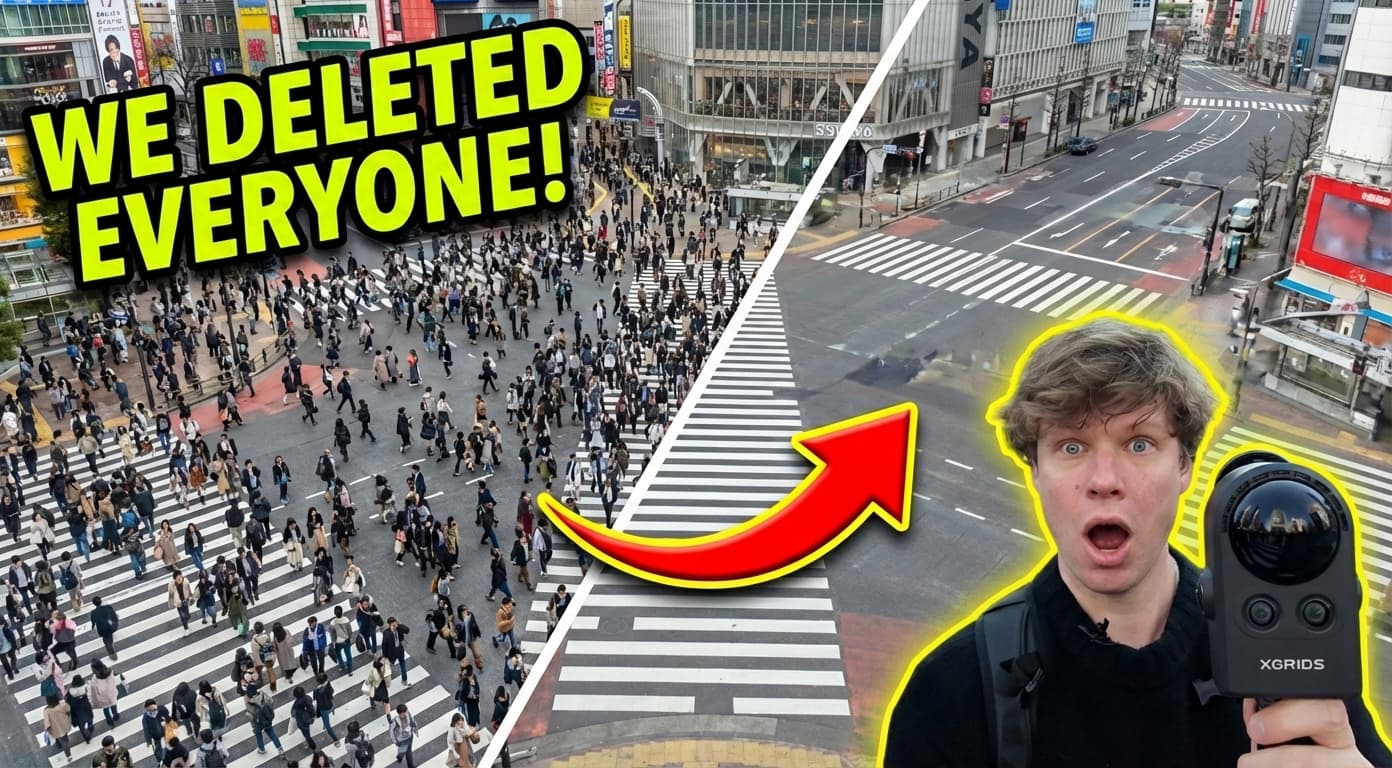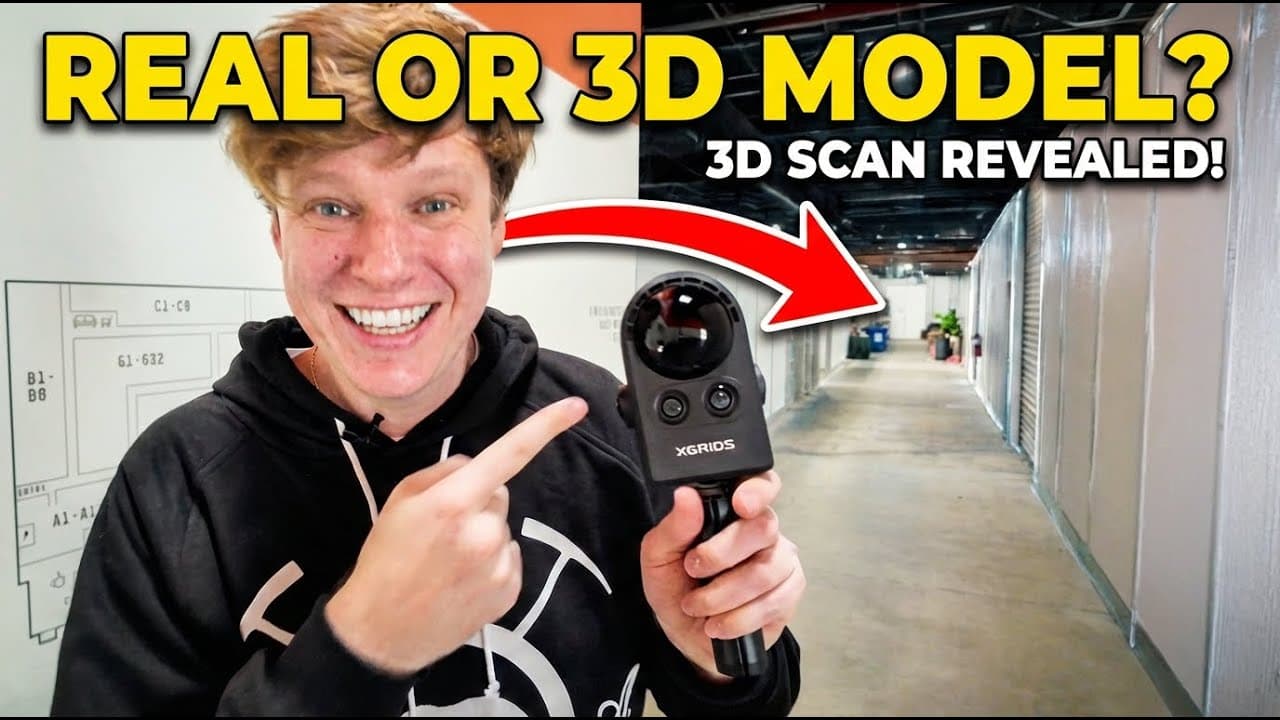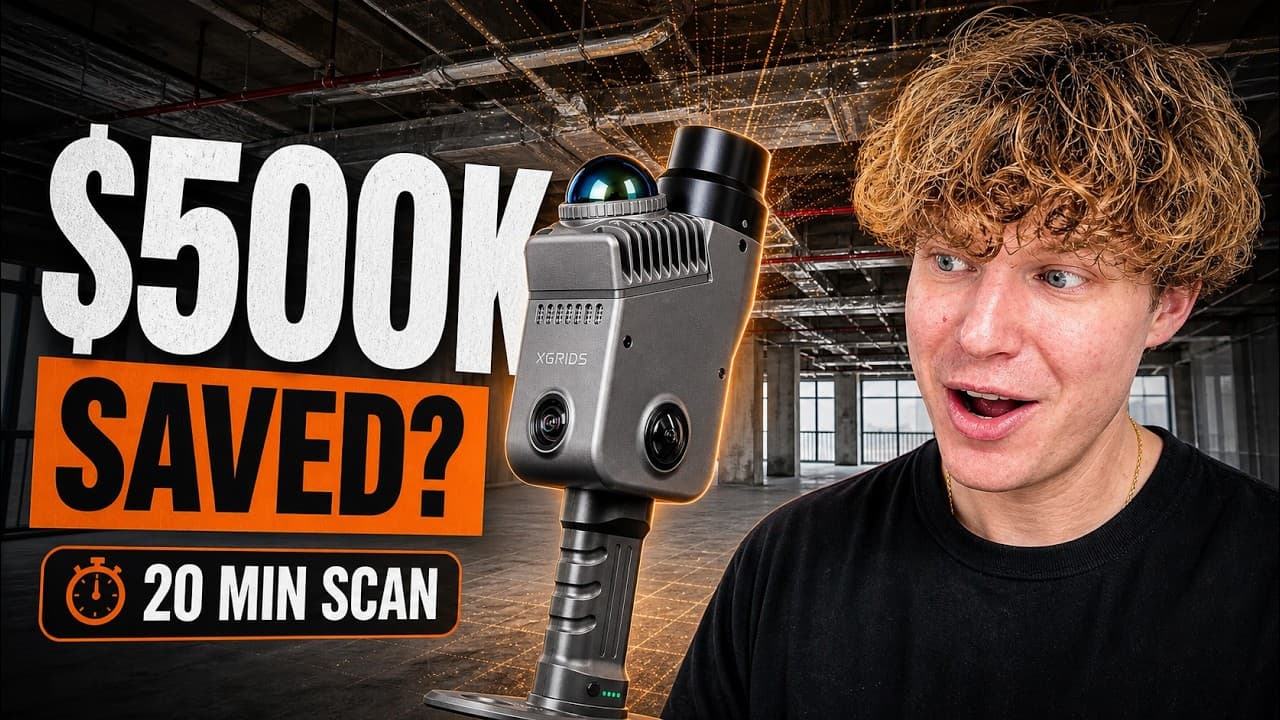


For the first time, the digital world looks just like the real one. The image you see above isn't a photograph. It's a renaissance in 3D technology—a world painted not with rigid lines, but with light itself. A world you can step into, explore, and experience.
This is the promise of 3D Gaussian Splatting, a revolutionary technique that is fundamentally changing how we capture and interact with reality. If you're new to the technology, our article Gaussian Splats Explained provides a comprehensive overview of how it works and why it's transforming 3D visualization.
Forget the clunky, lifeless models of the past. The days of spending countless hours wrestling with complex software to merely approximate a space are fading. We've moved beyond creating simple digital copies to crafting true digital twins—breathing, explorable worlds that feel alive, right down to the finest details.
And now, this power is finally within reach. With the intuitive XGRIDS PortalCam and the seamless SplatLabs.ai cloud platform, you can become the architect of your own photorealistic worlds. This guide will show you how.
What Are 3D Gaussian Splats, Anyway?
Before we dive into the "how," let's cover the "what." Unlike traditional 3D models built on rigid polygon meshes, 3D Gaussian Splats use a different, more artistic approach to reality capture. For a deeper dive into how Gaussian splatting works and how it compares to point clouds and photogrammetry, check out our comprehensive guide: Gaussian Splats Explained.
Imagine painting a 3D scene not with triangles, but with millions of tiny, semi-transparent "brush strokes." Each "splat" holds information about color, position, and opacity. An advanced AI process then takes thousands of these points captured from reality and intelligently blends them together to create a seamless, vibrant, and incredibly detailed 3D space.
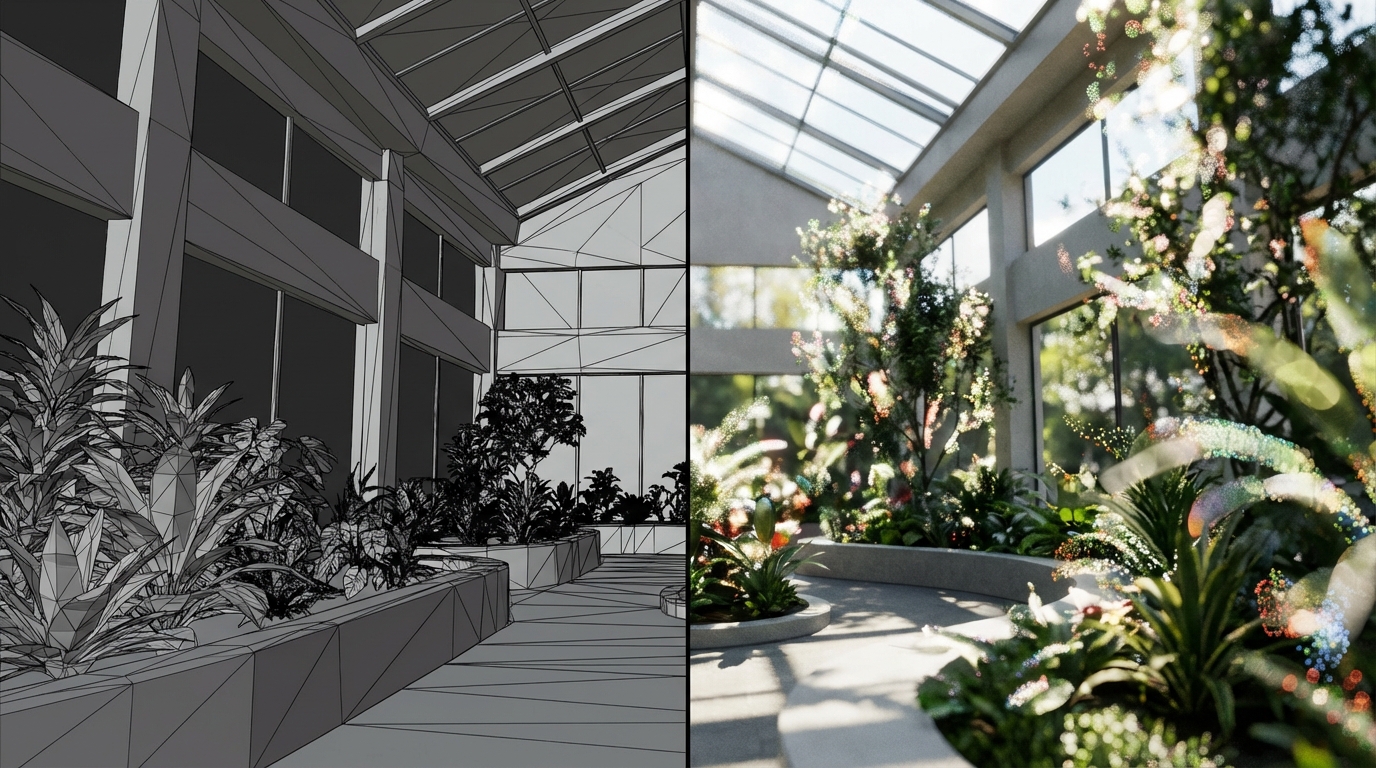
As you can see in the comparison above, the difference is striking. On the left, a traditional polygon wireframe model shows only geometric structure. On the right, the same space rendered as a Gaussian Splat captures every detail—from individual leaves to natural lighting—creating a photorealistic representation that's indistinguishable from reality.
Beyond Polygons: The Key Advantages
This unique method offers several game-changing benefits:
Unmatched Photorealism: Because the model is built from real-world image data, the lighting, textures, and colors are incredibly lifelike. As demonstrated above, the quality is so high it can be mistaken for high-definition footage.
Incredible Detail: This is where 3D Gaussian Splats truly shine. The technique excels at capturing traditionally "impossible" details through photorealistic 3D scanning. Look at the individual leaves on a plant, the complex patterns of grass, or even the texture on a wall—all rendered perfectly.
AI-Powered Creation: The process intelligently reconstructs the scene from multiple images and sensor data, creating a complete model that understands depth and dimension without the manual labor of traditional photogrammetry.
Real-Time Performance: Unlike neural network methods that require expensive computing infrastructure, 3D Gaussian Splats render smoothly at 90+ frames per second on standard hardware, making them perfect for interactive exploration in any web browser.
How to Create 3D Gaussian Splats in 3 Simple Steps
Here's just how easy it is to capture a space using the XGRIDS PortalCam spatial camera—the first true spatial camera designed specifically for creating 3D Gaussian Splats through advanced reality capture.
Your Toolkit:
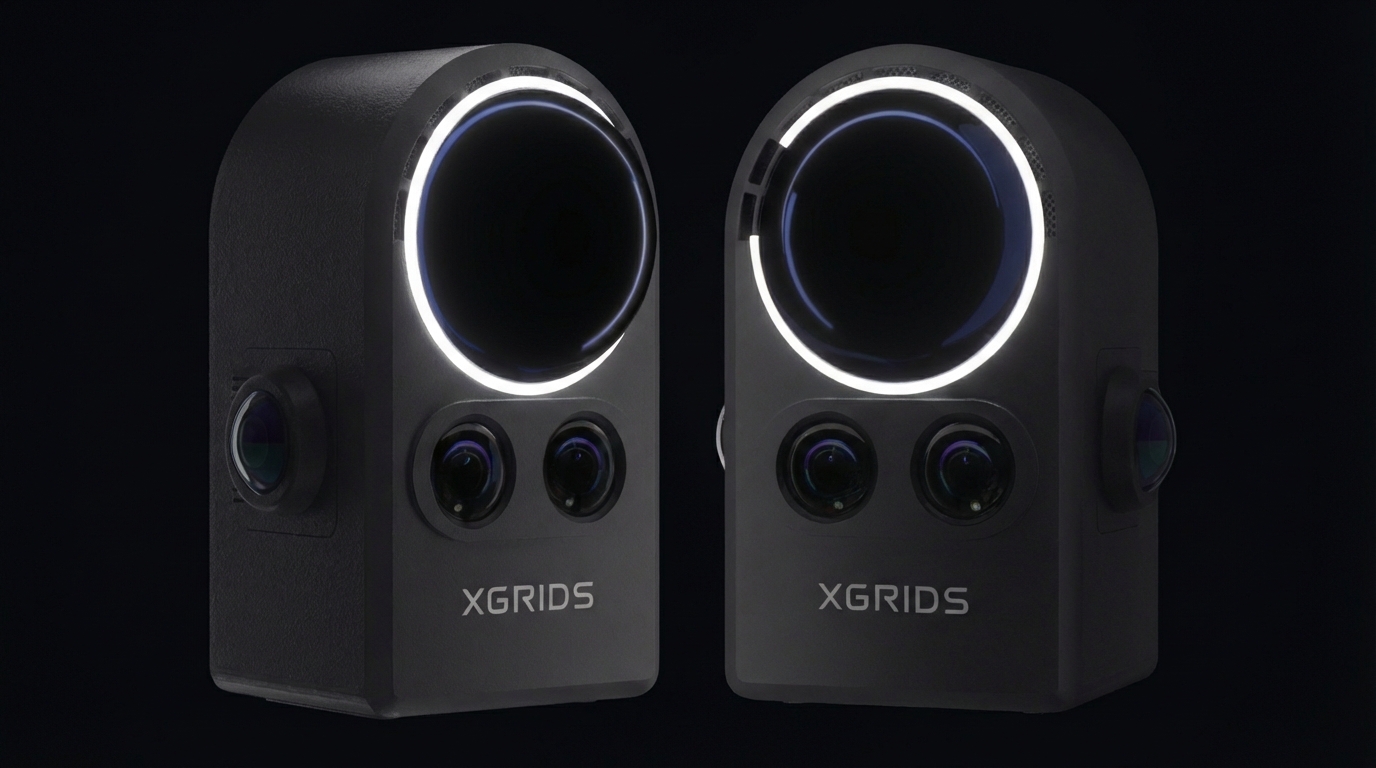
Hardware: The PortalCam spatial camera. This lightweight (2 lbs) device packs four cameras and a lidar sensor into a rugged aluminum housing, with a battery that lasts up to 60 minutes. It's specifically designed for photorealistic 3D scanning and reality capture.
Software: The SplatLabs.ai cloud platform, which will process your data and host your interactive 3D Gaussian Splat model.
Step 1: Capture Your Space
With the PortalCam in hand, the process is as simple as point, record, and walk.
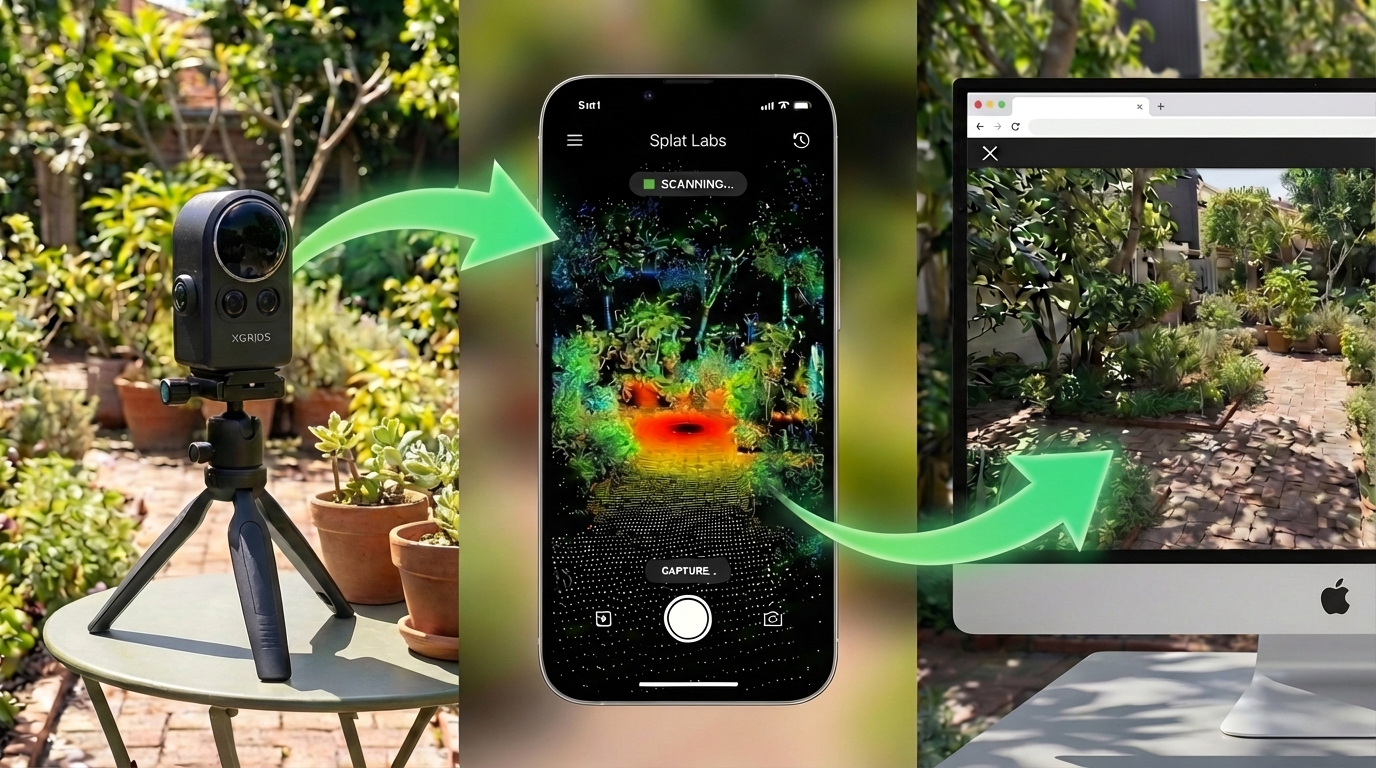
Initialize: Place the camera on a flat surface and connect it to your smartphone.
Record: Open the app and press the record button. The device begins capturing image and lidar data simultaneously.
Walk: Slowly and steadily walk through the environment you want to capture. The app provides a real-time 3D view of the data being captured, so you can see your coverage as you go.
The PortalCam's dual-fisheye lenses capture 360° × 180° full spherical coverage, while the onboard LiDAR sensor provides depth information from 0.2m to 5m. This combination ensures you capture every detail—from floor to ceiling, wall to wall.
Step 2: Upload to the Cloud
Once you've captured your scene, the hard part is already over.
Transfer: Connect the PortalCam (with its half-terabyte of storage) to your computer and transfer the data files.
Upload: Drag and drop the files into your SplatLabs.ai project. The platform's AI takes over from here, automatically processing your data and building your 3D Gaussian Splat model in the cloud through advanced photorealistic 3D scanning algorithms.
Processing typically takes 30-90 minutes depending on the size and complexity of your scene. The best part? You don't need a powerful computer—all the heavy lifting happens in the cloud.
Step 3: View, Enhance, and Share
Within minutes, your model is ready. You can now view it instantly on any device and start using the professional tools in SplatLabs to bring it to life.
The entire workflow is straightforward: set up the PortalCam spatial camera on its tripod, monitor the real-time capture through the smartphone app's lidar view, and within hours, explore your fully rendered 3D Gaussian Splat directly in the SplatLabs.ai browser interface.
Unlocking Professional Power with SplatLabs.ai
A 3D Gaussian Splat is more than just a 3D photo; it's an actionable digital asset created through advanced reality capture. The SplatLabs.ai platform is packed with AI-powered features designed for professionals in Real Estate, AEC, and Facility Management.
Automatic AI Floor Plan Generator
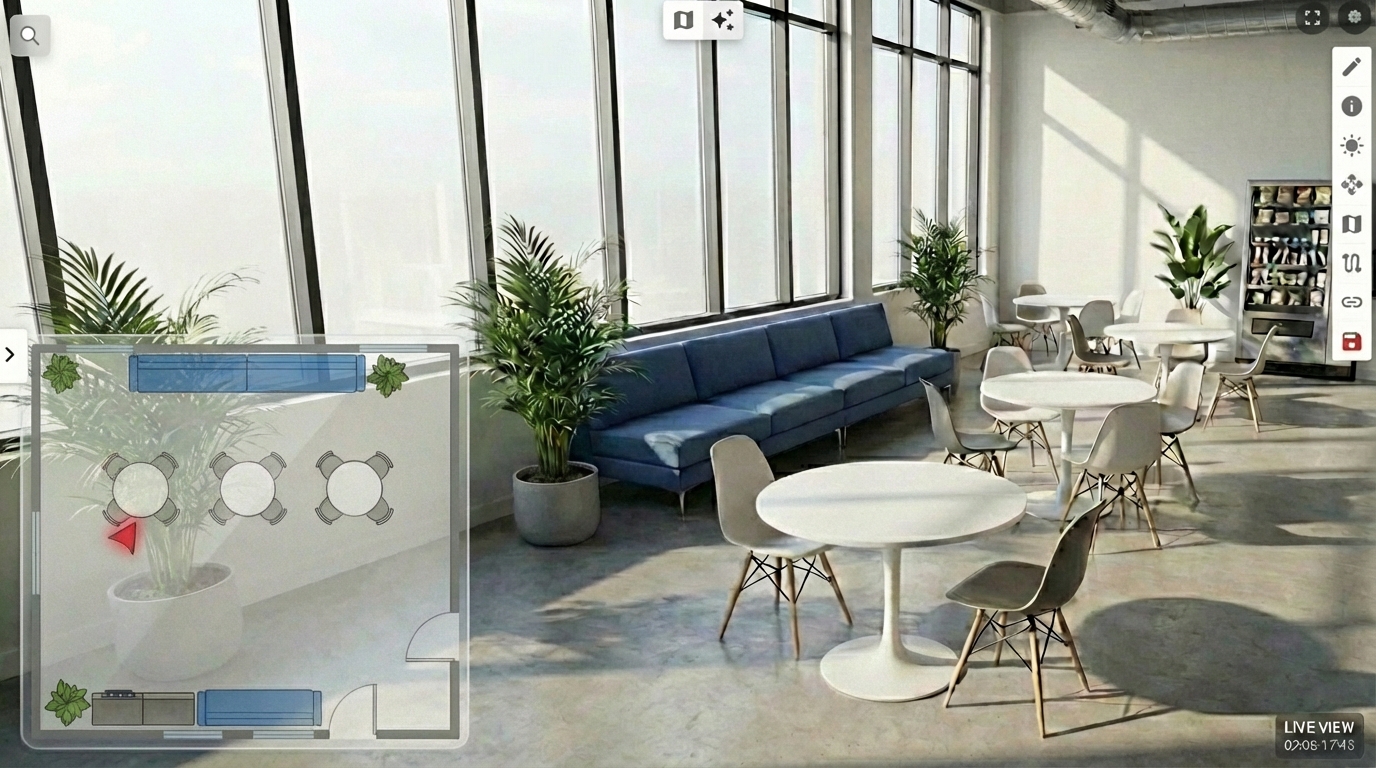
Stop wasting hours on manual drafting. SplatLabs.ai automatically generates a professional and accurate 2D floor plan directly from your 3D Gaussian Splat. This plan becomes an interactive mini-map for easy navigation. You can even use AI prompts to edit it, like asking it to "remove the toilet from this room" if it misidentifies an object.
The AI floor plan generator understands spatial relationships and automatically identifies rooms, walls, and key features. This feature alone can save hours of manual work and is perfect for real estate listings, construction documentation, and facility management.
The interface displays an interactive mini-map alongside your 3D model, making navigation effortless while providing a professional floor plan that updates automatically as you explore the space.
Game-Changing AI Virtual Staging
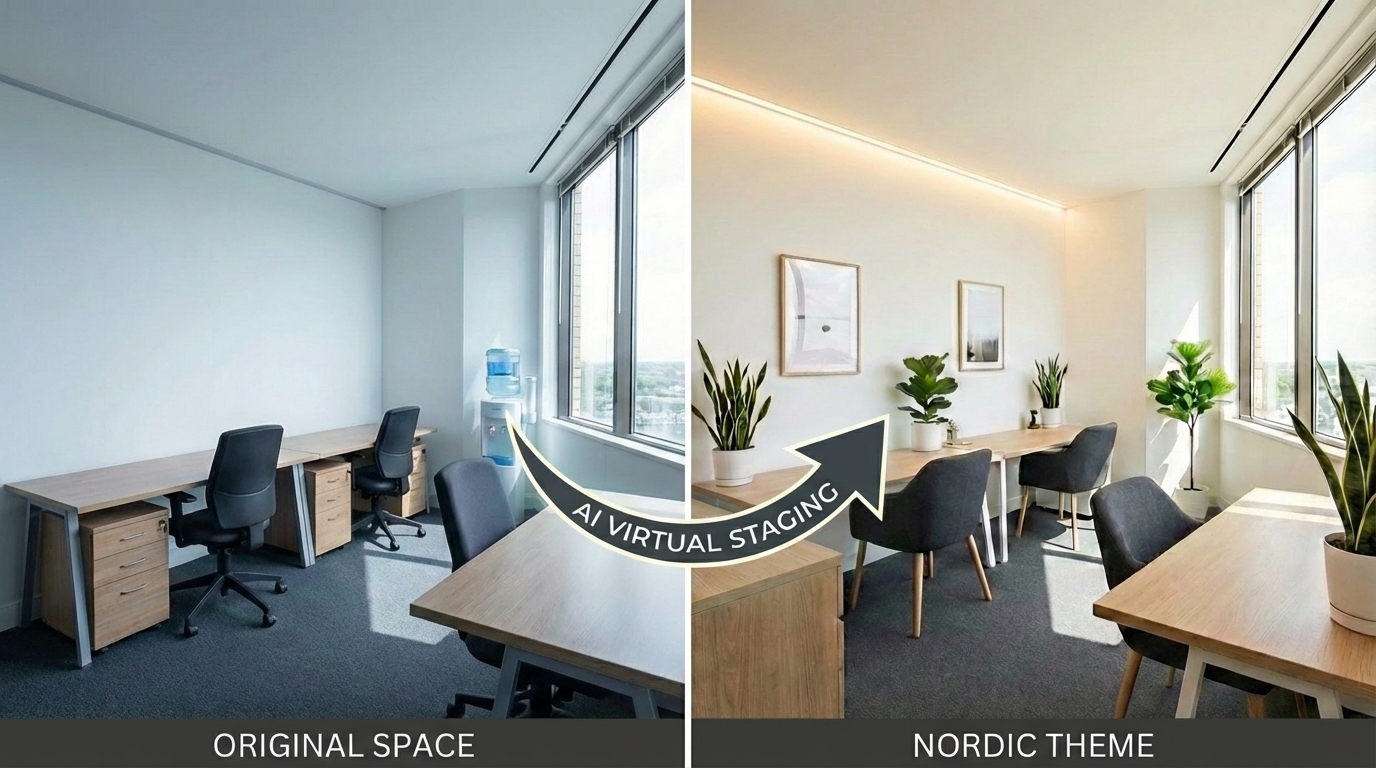
This is where the magic really happens. Using Gemini-powered AI virtual staging, you can completely transform your 3D Gaussian Splat with a simple text prompt.
- Furnish empty homes for real estate listings
- Visualize renovations before committing to construction
- Clear construction debris from a scene to show the finished product
Best of all, it's a non-destructive overlay, so your original scan is always preserved. You can create multiple staging variations and switch between them instantly—perfect for showing clients different design options or visualizing "what if" scenarios.
The AI virtual staging in SplatLabs allows you to visualize different interior design possibilities for any professional workspace. For example, a standard office setup can be updated into a minimalist Nordic-themed environment featuring light wood finishes, functional furniture, and a neutral color palette—all based on a simple text prompt.
4D Timelines & Seamless Portals
For larger projects, you can stitch multiple scans together with Seamless Portals, allowing clients to walk from an exterior drone scan directly into an interior building scan. With 4D Timelines, you can align scans taken over time to create a powerful visual record of construction progress.
This is particularly valuable for construction projects where stakeholders need to track changes week-by-week or month-by-month. The timeline feature automatically aligns scans chronologically, making it easy to see exactly what changed and when.
Precision Measurements & Annotations
Move from just looking to analyzing. The platform allows you to take measurements directly in the 3D space. You can also embed rich media like PDFs, videos, and notes to create a comprehensive digital twin.
These measurement tools are perfect for:
- Real Estate: Buyers can verify room dimensions before scheduling showings
- Construction: Teams can verify as-built dimensions against plans
- Facility Management: Maintenance teams can document issues with precise locations
Universal Sharing & Collaboration
One of the biggest advantages of SplatLabs.ai is that your 3D models work instantly in any web browser—no app downloads, no plugins, no technical barriers. Share a simple link and clients can explore your space on their phone, tablet, or computer.
The platform also includes collaborative features like:
- Persistent markups that stay pinned to 3D coordinates
- Document attachments for specifications, plans, or reports
- Access controls to manage who can view and edit
Real-World Applications
The combination of easy capture hardware and powerful cloud processing opens up countless possibilities:
Real Estate: Create immersive virtual tours using 3D Gaussian Splats that work on any device. Buyers can explore properties at their own pace, take measurements, and visualize AI virtual staging options—all before scheduling an in-person visit.
Construction: Document progress with weekly scans that automatically align into 4D timelines. Stakeholders can verify dimensions, track changes, and collaborate remotely—reducing site visits by up to 60%.
Facility Management: Create comprehensive digital twins of buildings with embedded documentation, maintenance records, and spatial annotations. Teams can navigate complex facilities and access information instantly.
Architecture & Design: Visualize renovations and design options before construction begins. Use AI virtual staging in your 3D Gaussian Splats to show clients multiple design concepts quickly and cost-effectively.
Your Turn to Join the 3D Revolution
3D Gaussian Splatting isn't just a new feature—it's a paradigm shift in reality capture. The combination of easy-to-use spatial cameras like the PortalCam and an intelligent cloud platform like SplatLabs.ai has finally made photorealistic 3D scanning practical for any professional.
You no longer need to be a 3D artist to create breathtaking digital environments. You just need to walk through a room.
The technology is here. The tools are accessible. The question is: are you ready to transform how you capture and share reality?
Ready to start creating your own stunning 3D experiences? Get started for free on SplatLabs.ai today!
Next Steps
- Learn more about PortalCam: Discover how the first true spatial camera makes reality capture effortless for creating 3D Gaussian Splats
- Explore SplatLabs.ai features: See all the AI-powered tools available on our platform, including AI virtual staging and photorealistic 3D scanning capabilities
- Understand the technology: Read our comprehensive guide on Gaussian Splats Explained to learn how Gaussian splatting compares to point clouds and photogrammetry
- Check out our pricing: Find the plan that fits your needs, starting with our free tier
- Read case studies: See how professionals are using 3D Gaussian Splats in real-world projects
Questions about creating 3D Gaussian Splats? Contact our team or explore our knowledge base for detailed guides and tutorials on reality capture and photorealistic 3D scanning.