
If you have ever tried loading a large Gaussian splat scene into Unreal Engine, you know the pain. The files are big, the renderer has no built-in concept of how to handle thousands of overlapping splats efficiently, and frame rates drop fast. For VFX artists and technical directors who want to use real-world captures in their Unreal projects, this has been a real barrier.
NanoGS is here to change that.
Released on March 19 by Tim Chen, Lead Technical Artist at Moonshine Studio — a professional VFX and animation firm — NanoGS is a free, open-source Unreal Engine 5 plugin that brings Nanite-inspired optimization techniques directly to Gaussian Splatting. It is available on GitHub now, compatible with Unreal Engine 5.6 and above.
For anyone building real-world environments in Unreal — from virtual production backgrounds to previs to game environments — this is a meaningful development.
What Is NanoGS?
To understand what NanoGS does, it helps to understand Nanite — Unreal Engine's virtualized geometry system. Nanite automatically manages level of detail (LoD) for complex meshes. It streams in high-resolution geometry only where the camera needs it, culls geometry outside the view frustum, and keeps frame rates stable even in extraordinarily dense scenes. Before Nanite, loading a highly detailed architectural model in UE5 required manual LoD work and careful optimization. After Nanite, the engine handles it automatically.
NanoGS applies this same philosophy to Gaussian Splats.
Instead of loading every splat in a scene at full resolution all at once, NanoGS uses LoD clustering to organize splats into spatial groups. Splats farther from the camera render at lower density; closer ones render at full fidelity. Combined with splat culling — removing splats outside the camera's view — the plugin dramatically reduces GPU load for large scenes.
Beyond LoD and culling, NanoGS uses splat compaction to strip redundant data from the splat dataset before it hits the GPU, and a global accumulator for efficient alpha blending across overlapping splats. Together, these techniques let you load substantially larger Gaussian Splat scenes into UE5 without the frame rate collapse that would otherwise follow.
Chen built NanoGS initially as an internal tool at Moonshine Studio, then open-sourced it. He describes version 1.0 as a foundation he intends to build on — a starting point, not an endpoint.
Why This Matters for VFX and Film
Unreal Engine has become the de facto platform for virtual production, previs, and VFX background rendering. LED wall stages, virtual scouting, real-time previs workflows — nearly all of this runs on UE5. And increasingly, the environments people want to work with are real places, not hand-authored geometry.
Gaussian Splatting is the fastest path from a real-world location to a photorealistic 3D environment. Walk through a space with a camera, capture the data, process it, and get a navigable photorealistic scene. No modeling. No texturing. No weeks of photogrammetry cleanup.
The bottleneck has always been getting that splat into Unreal at production scale. NanoGS removes that bottleneck.
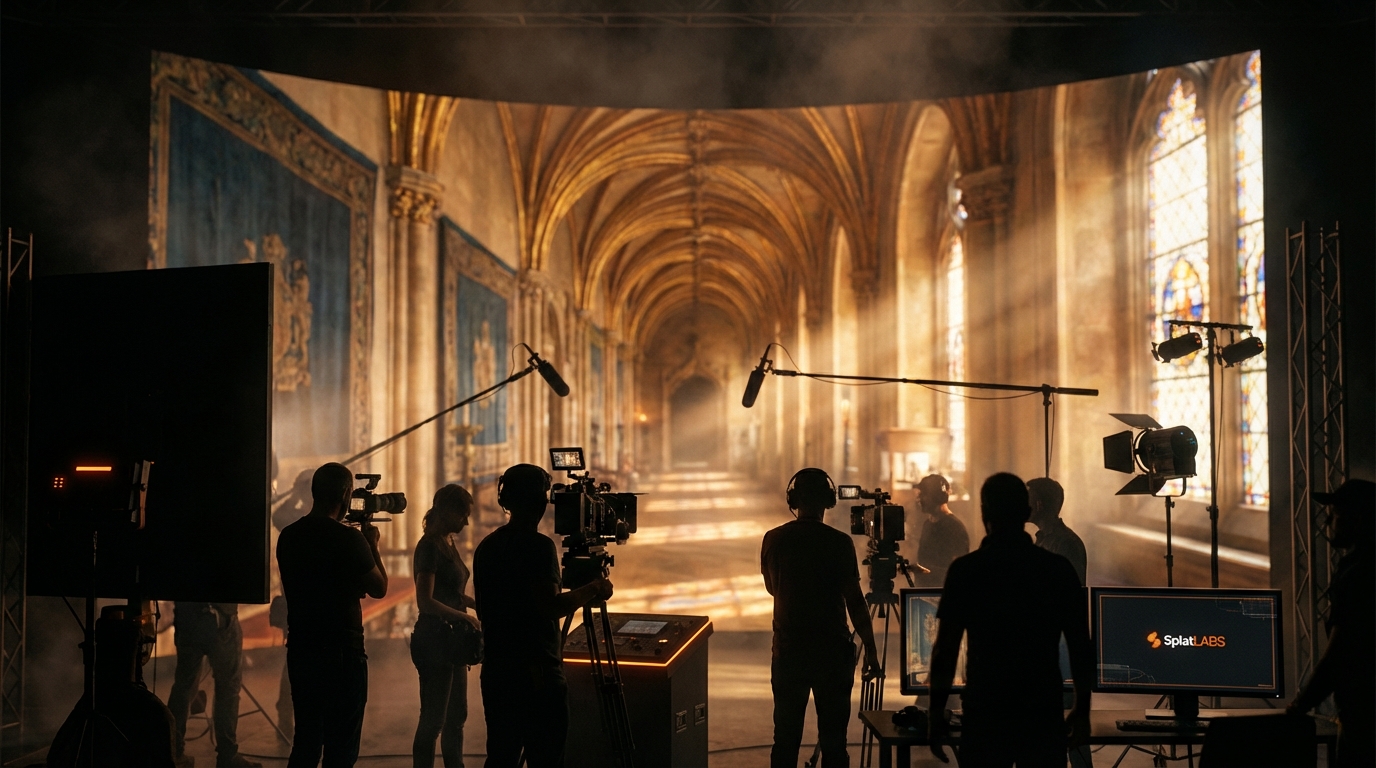
For VFX artists, the workflow with NanoGS looks like this:
- Capture the real-world location with a Gaussian Splatting-capable camera
- Process the capture into a Gaussian Splat (PLY format)
- Import the PLY into UE5 using NanoGS
- Render using Unreal's full lighting, post-processing, and compositing stack
Splat Labs is not what trains or reconstructs your splat from raw capture — that happens in your reconstruction toolchain (for example LCC with PortalCam or Lixel, or another Gaussian Splatting pipeline that outputs PLY). Where Splat Labs fits is professional capture hardware if you want it, and Splat Labs Cloud to host, review, and share any PLY you already have — including PLY you plan to import with NanoGS — then export into UE5 when you are ready.
The Full Pipeline: From Capture to Unreal Engine 5
The fastest capture path into a NanoGS-ready workflow uses hardware designed for the job.
PortalCam is Splat Labs' dedicated spatial camera, built specifically for Gaussian Splatting. Dual fisheye lenses, onboard LiDAR, and a Multi-SLAM chip produce a photorealistic Gaussian Splat in minutes — no tripod, no complex calibration, just walk through the space naturally. For interior environment capture, location scouting, set design reference, or any space up to about 150 square meters, PortalCam delivers production-ready results fast.
For larger spaces — exteriors, infrastructure, multi-floor buildings, or any situation requiring survey-grade precision — the Lixel L2 Pro delivers real-time point cloud and Gaussian Splat capture with 3cm absolute accuracy. Handheld, drone-mounted, or vehicle-mounted, with range up to 300 meters.
Once you have a PLY — from a PortalCam or Lixel workflow processed in LCC, or from any other tool that outputs a compatible splat — Splat Labs Cloud hosts it so your team can view it in any browser, collaborate, annotate, and take precision measurements. Splat Labs Cloud prepares your upload for fast streaming in the viewer; it does not replace your splat authoring pipeline. When you are ready for Unreal, export the same project as PLY for NanoGS.
Working entirely outside our capture hardware? You can still upload splats from any source (including PLY you create for a NanoGS workflow) to share and review before you pull the file into UE5.
The complete pipeline with Splat Labs capture:
PortalCam / Lixel L2 Pro → LCC (reconstruction) → Splat Labs Cloud (host, review, export) → NanoGS → Unreal Engine 5
Already have a PLY from elsewhere:
Your splat (PLY) → Splat Labs Cloud (optional: host & share) → Export PLY → NanoGS → Unreal Engine 5
What Splat Labs Cloud Adds to a VFX Workflow
At its core, Splat Labs Cloud is built for hosting Gaussian splats from any source — then layering collaboration and presentation tools on top. That is especially useful when Unreal is downstream: stakeholders can review the same PLY in a browser while your team works in NanoGS, without everyone installing UE5.
Fly-Through Movies let you create cinematic animated walkthroughs by setting waypoints in your splat. For client presentations, director reviews, or previs reference, this gives you a polished deliverable from your capture in minutes, without touching Unreal at all.
Portals connect multiple splat scans into a single seamless tour. If you are capturing a multi-room location or combining an interior scan with an exterior, Portals let you navigate between them as if they were one continuous environment.
Precision Measurements let you take accurate distance and area readings directly in the 3D view — useful for production design, set planning, or verifying that your capture data matches real-world dimensions before committing to a Unreal build.
Embed and Share means every splat gets a shareable link that works in any browser, on any device, with no app required. Remote directors, producers, and clients can review your captured environment without a UE5 installation or a VPN.
Getting Started
NanoGS 1.0 requires Unreal Engine 5.6 or above. The plugin is open-source and available immediately at github.com/TimChen1383/NanoGaussianSplatting.
On the cloud side, a free Splat Labs account lets you upload and host your first two projects at no cost — enough to try hosting, sharing, and PLY export alongside NanoGS before you commit to hardware.
The combination of capable capture hardware (when you need it), cloud hosting and collaboration for your splats, and now a production-grade UE5 renderer means the full pipeline from real world to photorealistic Unreal scene has never been more accessible. If virtual production, VFX background capture, or real-world game environments are on your roadmap, the pieces are in place.