
Mapping the World's Busiest Intersection
Shibuya Crossing in Tokyo is, by almost every measure, the busiest pedestrian intersection on the planet. On a normal afternoon, thousands of people flood the crossing from every direction the moment the light turns green. It is a spectacular, overwhelming wall of human motion.
So naturally, we decided to 3D scan it.
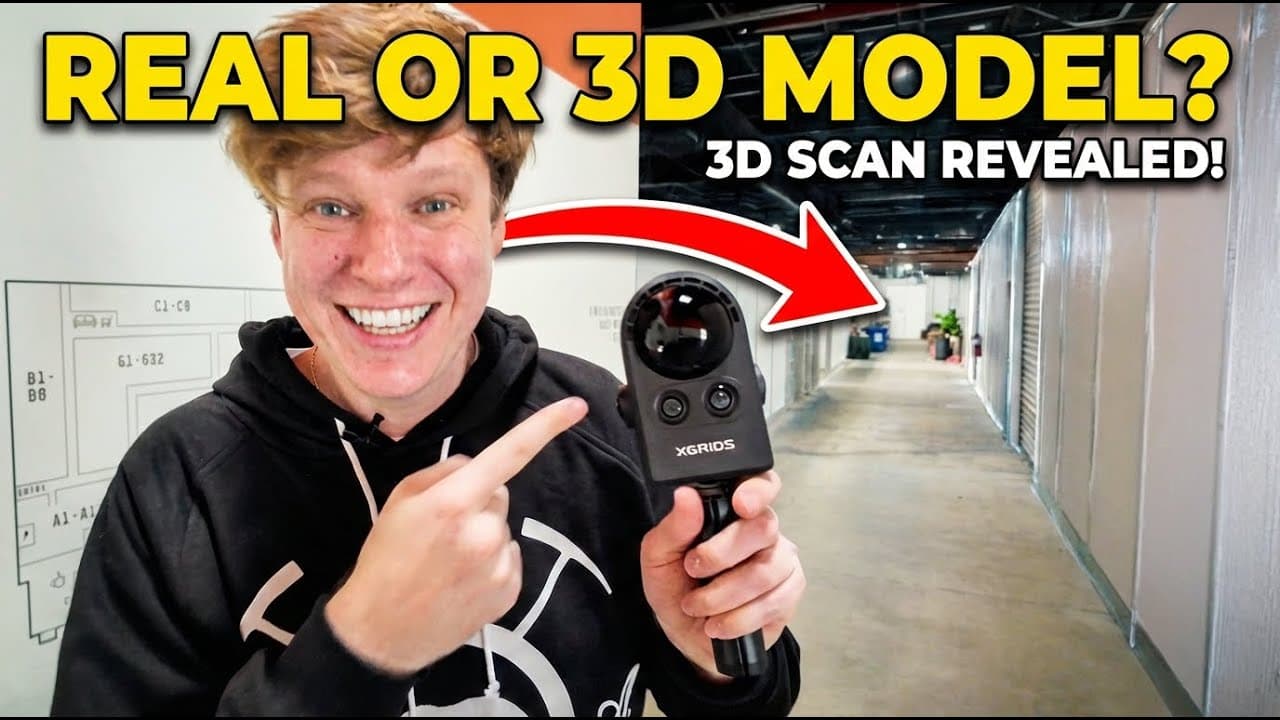
The question was obvious: can you actually produce a clean, usable 3D model of a location when the entire space is packed with moving people and vehicles? Using the PortalCam — our handheld spatial camera with dual-fisheye lenses, onboard LiDAR, and Multi-SLAM processing — we set out to find out.
The results were far better than we expected.
Two Techniques for Removing Moving Objects
Before stepping foot in the crossing, it helps to understand the two principles at work. The PortalCam does not use any AI magic to erase people in post — instead, it exploits fundamental properties of how SLAM and Gaussian Splatting work.
Technique 1: The SLAM Moving Object Filter
Every SLAM-based device has some form of moving object filter. As the camera builds a spatial map of the scene in real time, objects that are moving relative to the static environment get tagged and excluded from the point cloud. The result: moving people and vehicles are stripped from the underlying geometry before the data ever reaches the Gaussian Splat stage.
The challenge at Shibuya is the sheer density of people. The filter is being pushed to its absolute limits when the entire ground plane is obscured by thousands of bodies. To help it along, the technique is to move slowly and pause in crowded areas, letting the camera accumulate frames as people flow through the scene. Each brief window where a patch of pavement becomes visible gives the SLAM system a clean look at the ground beneath.
Technique 2: Biasing the Dataset
The SLAM filter is effective for things that are actively moving, but what about a double-decker bus stopped at a red light? It is not moving — so the filter treats it as part of the scene.
This is where the second technique comes in, and it is an elegant quirk of the Gaussian Splatting algorithm itself.
Gaussian Splatting works by converging thousands of photos into a unified scene representation. If 99 of those photos show pristine pavement and only 1 shows a bus parked on it, the algorithm will statistically favor the version without the bus. It simply has more evidence that the ground is clear.
The practical approach: whenever a bus or truck pulled out of a stop, immediately re-scan that area extensively. Capture far more data of the empty space than you captured of the obstruction. Bias the dataset toward the truth you want the algorithm to converge on.
Capturing the Data
With both techniques in mind, the capture session involved:
- Moving slowly through the crossing during peak pedestrian flow, pausing regularly to let the camera roll while crowds parted around each spot
- Returning repeatedly to areas where vehicles had been parked, once they moved, to build up a dense, clean dataset of the underlying ground
- Accepting that some areas — particularly spots where large crowds never fully cleared — would likely result in blurry or ghosted geometry
The capture itself takes less than the length of a standard crossing cycle. The Portal Cam's 60-minute battery and onboard processing handle everything in real time.
The Results: An Almost Empty Shibuya Crossing
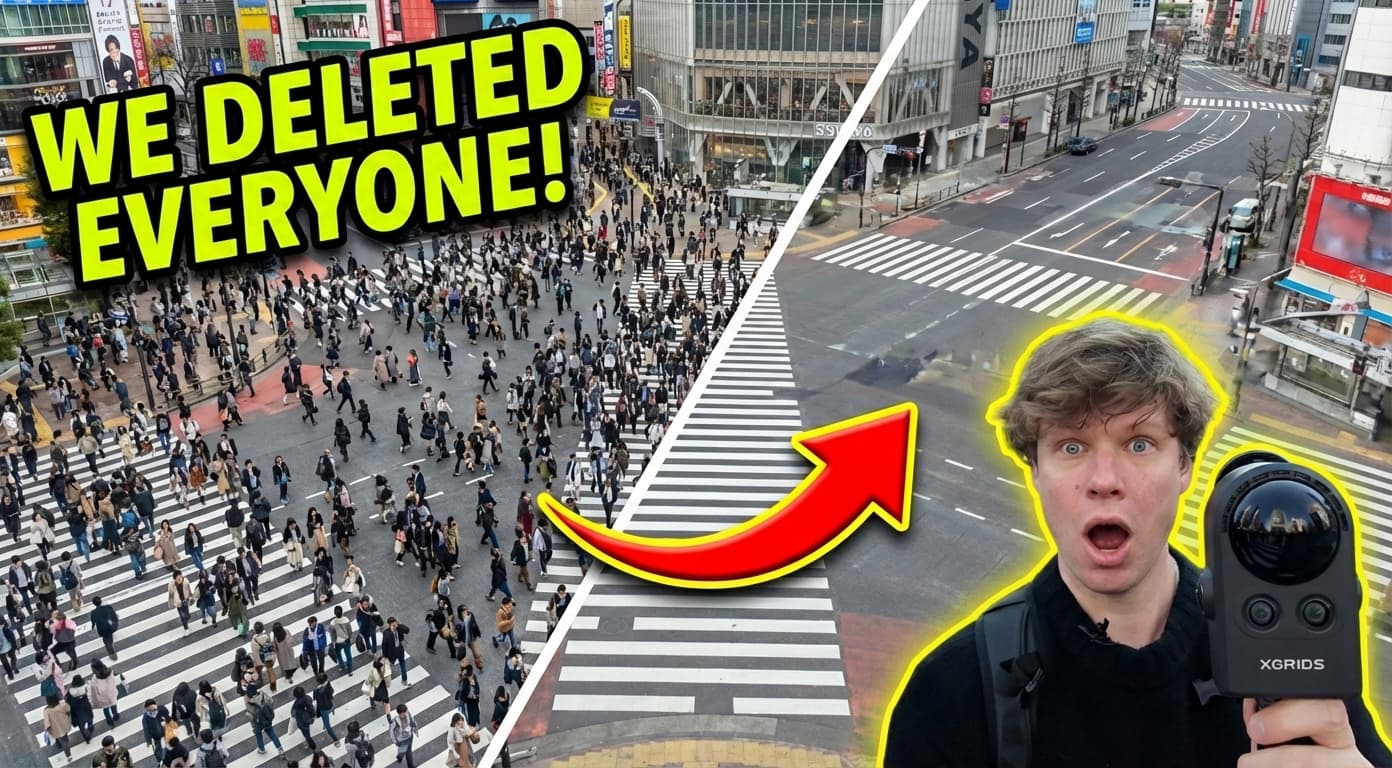
Back at the office, processing the data through Splat Labs Cloud produced something remarkable: an almost entirely clear Shibuya Crossing, rendered in photorealistic 3D.
The central crossing area — the place where thousands of people had just been walking — came out nearly spotless. The ground texture, the crosswalk markings, the surrounding buildings: all captured with exceptional fidelity.
A few areas showed the expected limitations. Corners where crowds never fully dispersed resulted in blurry splat artifacts. The bus that refused to leave before the session ended left a hazy footprint. But these were edge cases in an otherwise extraordinary result.
"I just finished processing the data and I had to stop here on the side of the street because the data looks so good." — Harrison Knoll, Indiana Drones
The techniques work. Pausing to let people flow through, and aggressively re-scanning wherever vehicles cleared, produced a dataset clean enough that the Gaussian Splat algorithm had enough evidence to reconstruct an empty scene.
What This Means for Real-World 3D Capture
Shibuya Crossing is an extreme test case — deliberately chosen because it seems impossible. If these techniques work here, they work essentially anywhere: busy retail environments, construction sites with active machinery, public plazas, transit hubs.
The practical takeaways for any PortalCam operator:
- Move slowly in crowds — give the SLAM filter time to see the ground between footsteps
- Pause and hold position — even 2-3 seconds of clear sightlines dramatically helps reconstruction
- Re-scan after vehicles leave — capture 3-4x more data of the clean area than you captured with the obstruction present
- Consider timing — early morning or less peak-hour windows will always produce cleaner data with less post-processing needed
- Expect some blobs — areas of persistent, stationary crowds will leave artifacts; plan for light cleanup if those areas matter to your use case
Try It Yourself
The Shibuya Crossing dataset is live on Splat Labs. Click around, zoom in, and explore one of the world's most recognizable intersections rendered as a navigable 3D world — crowd-free.
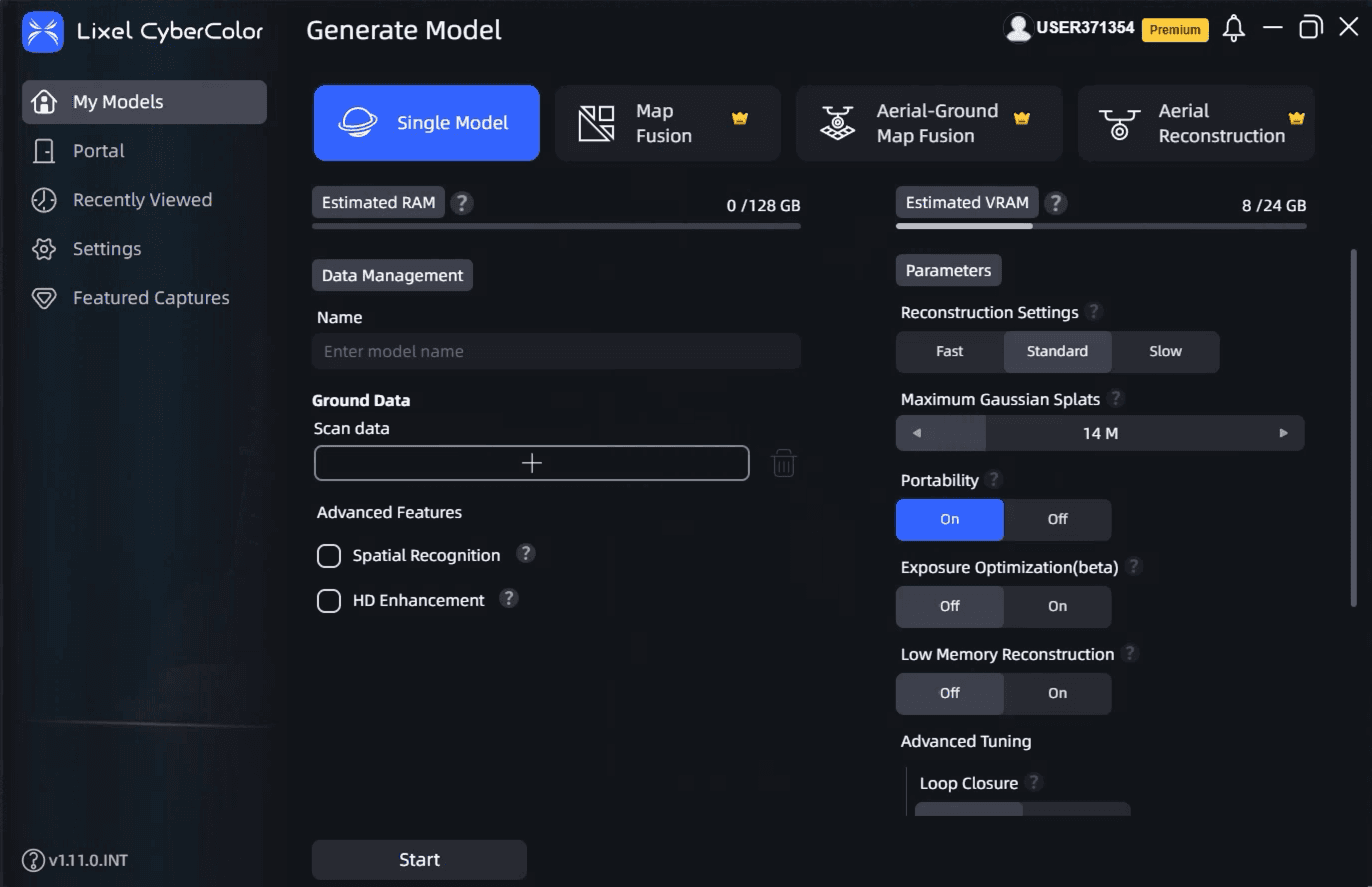
If you have a PortalCam or any Gaussian Splat capture device, you can upload your own scans to Splat Labs Cloud and apply the same techniques to your own challenging environments. The platform supports PLY, SPLAT, KSPLAT, and XGRIDS formats from any capture source.
What should we scan next? Drop a suggestion in the YouTube comments or reach out to our team.
Related Reading
- Getting Started with Gaussian Splatting — everything you need to know about the format
- TOKYO [UN]REAL ESTATE: 3D Scanning Living Spaces in Tokyo — another incredible Tokyo capture project
- Gaussian Splats Explained — a deep dive into how the algorithm works
- PortalCam Product Page — learn more about the camera used in this video
Want to see your location captured in 3D? Contact the Splat Labs team or explore the PortalCam to start scanning yourself.