

Your Team's Projects. One Platform. Total Control.
Enterprise gives your entire team instant access to every project — with role-based permissions, access-controlled embeds, and white label branding. No manual sharing. No data silos.
Managing 3D scan data across a team shouldn't be this hard.
Your team captures 3D scans in the field. Your stakeholders need to see them. Somewhere in between, everything falls apart. Sound familiar?
Sharing every project manually
Every time someone captures a new scan, they have to share it with the team — one project at a time, one email at a time. At 50+ projects, this becomes a full-time job.
No control over who does what
You need some team members creating projects while others only view. Without role-based access, either everyone can do everything or you micromanage access manually.
Public links for embedded viewers
Want to embed a 3D viewer in a dashboard or portal? Without Enterprise, the project needs a public link — meaning anyone with the URL can see it.
One Workspace for Your Entire Organization.
Think of it like OneDrive or SharePoint for your 3D captures. Enterprise creates a shared workspace where every project lives in one place, and every team member has access. Your field crew uploads a scan and the rest of the organization can see it — no sharing invitations, no manual handoffs, no chasing down links.
This is internal to your organization — not public. External sharing still works exactly the way it does today: invite clients by email, generate shareable links, or share folders. Enterprise just means your internal team never has to think about access again.
- Shared workspace — your team sees every project, like a shared drive
- Internal to your organization, not visible to anyone outside
- Still share externally with clients via email or links anytime
- New team members see all existing projects from day one
Three Roles. Complete Control Over Who Does What.
Not everyone on your team should have the same permissions. Enterprise gives you three distinct roles so your managers manage, your creators create, and your viewers view — without stepping on each other.
Enterprise Manager
Full admin control. Manages users, views all projects and folders across the organization, accesses all job orders and receipts.
Creator
Creates projects and folders, manages their own content, purchases tokens, and orders deliverables. Cannot manage other users.
User
Views and works on projects they own or have access to. Can purchase tokens and order deliverables on their own projects.
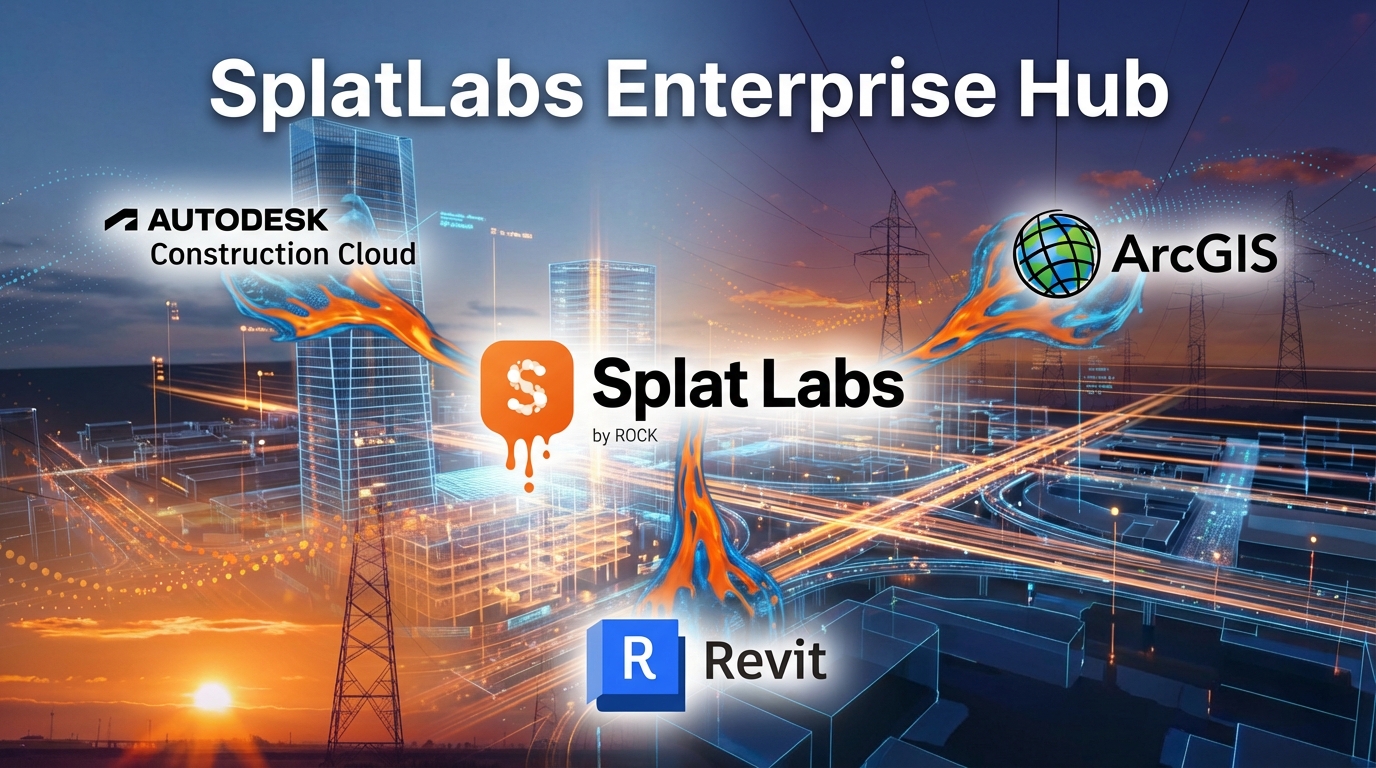
Bring 3D Scans Into the Tools Your Team Already Uses.
Your team runs on ArcGIS, Autodesk Construction Cloud, or Revit. Enterprise lets you embed access-controlled 3D viewers directly into those platforms — so your team sees 3D captures right where they already work, without switching apps or sharing public links.
In ArcGIS, embed a viewer in a Dashboard panel or Experience Builder app. In ACC, link captures to issues and documents in Autodesk Docs. In Revit, view Gaussian Splats in a split-screen alongside your BIM model.
- ArcGIS: Embed in Dashboards, Experience Builder, and StoryMaps
- ACC: Link 3D scans to BIM Collaborate Pro issues and Autodesk Docs
- Revit: Side-by-side 3D viewer alongside your BIM model
- Access control carries over — only your team sees the data
Start Small. Scale to Hundreds of Projects.
Enterprise plans scale with your organization. Start with 3 users and 50 projects, then grow to 20+ users and 500+ projects as your team and capture library expand — without switching platforms or migrating data.
Every Enterprise plan includes the full Business feature set — embedding, folder organization, portals, measurements, and sharing — plus the Enterprise additions.
View Full Pricing DetailsEverything Your Organization Needs
Enterprise includes every Business feature plus the tools and controls your team needs to work at scale.
White Label Branding
Remove all Splat Labs branding from the 3D viewer. When clients view your scans, they see your brand — not ours.
Organization-Wide Visibility
Enterprise Managers see everything — all projects, all jobs, all receipts across the entire organization. One dashboard, complete oversight.
Works with Your Existing Tools
Enterprise access control works everywhere your team already works.
Location Scouting at Scale. Every Set, Every Show, One Platform.
Production studios juggle dozens of shows, hundreds of location scouts, and thousands of 3D captures — all at once. Enterprise gives your entire production organization a shared workspace where location teams, art departments, directors, and producers can all access every scanned location without chasing down files or links.
Organize captures by production, share immersive 3D walkthroughs with remote stakeholders, and let decision-makers explore locations from anywhere — before a single crew member sets foot on set. White label branding means clients and executives see your studio's name, not ours.
- Organize location scans by show, season, or production unit
- Share 3D walkthroughs with directors and producers remotely
- Role-based access — scouts upload, producers review, execs view
- Scale from one pilot to an entire studio slate of productions
Run Your Capture Business on One Platform.
Whether you're a real estate brokerage managing hundreds of listings or a 3D capture service company shooting properties for multiple clients, Enterprise keeps every scan organized and accessible across your entire team — photographers, editors, agents, and clients.
Your field team captures a property and it's immediately available to everyone in the office. Use folders to organize by client, neighborhood, or property type. Share polished 3D walkthroughs directly with listing agents or embed them on Zillow and MLS — all with your branding via white label, not ours.
- Capture teams upload — the whole office sees it instantly
- Organize by client, agent, neighborhood, or property type
- Embed on Zillow, MLS, and listing sites with your branding
- Scale from a small team to a full brokerage or multi-market service company
Frequently Asked Questions
01How does Enterprise group sharing work?
Enterprise creates a shared workspace for your organization. Every project created by anyone on your team is visible to all other group members — like a shared drive for 3D captures. No manual sharing, no invitation emails. New team members see all existing projects from day one.
02Can I still have private projects within an Enterprise group?
Yes. You can create private projects that are not shared with the group. Enterprise gives you full flexibility — automatic sharing is the default, but you control what stays private.
03Do embedded iframes work with Enterprise access control?
Yes. Embedded viewers are protected by group membership. When an authenticated group member visits a page with an embedded Splat Labs viewer, the iframe loads normally. Unauthorized visitors see a sign-in prompt.
04What are the three Enterprise roles?
Enterprise Manager has full administrative control — manages users, views all projects, accesses all receipts and jobs. Creator can create projects and folders, manage their own content, and order deliverables. User can view and work on projects they own or have been given access to.
05How many users and projects can I have?
Enterprise plans start at 3 users with 50 projects ($158/mo billed yearly) and scale up to 20+ users with 500+ projects. For larger organizations, contact our sales team for custom pricing.
06What is white label branding?
White label removes all Splat Labs branding from the viewer and replaces it with your own company brand. When clients or stakeholders view your 3D scans, they see your brand — not ours.
07Does Enterprise include everything in Business?
Yes. Enterprise includes every feature from the Business plan — embedding, folder organization, reduced branding, portals, measurements, sharing — plus user access control, Enterprise groups, and white label branding.
08Can I integrate Enterprise with ArcGIS, Revit, or Autodesk Construction Cloud?
Yes. Enterprise group sharing means all your projects are automatically available to your team members across any platform.
09Is Enterprise a good fit for film and TV production?
Absolutely. Production studios use Enterprise to manage location scouts across multiple shows, commercials, and reels. Organize 3D captures by production, share immersive walkthroughs with remote directors and producers, and use role-based access.
10Can a 3D capture service company or real estate brokerage use Enterprise?
Yes — Enterprise is ideal for capture service companies that shoot properties for multiple clients, as well as brokerages managing many listings.