
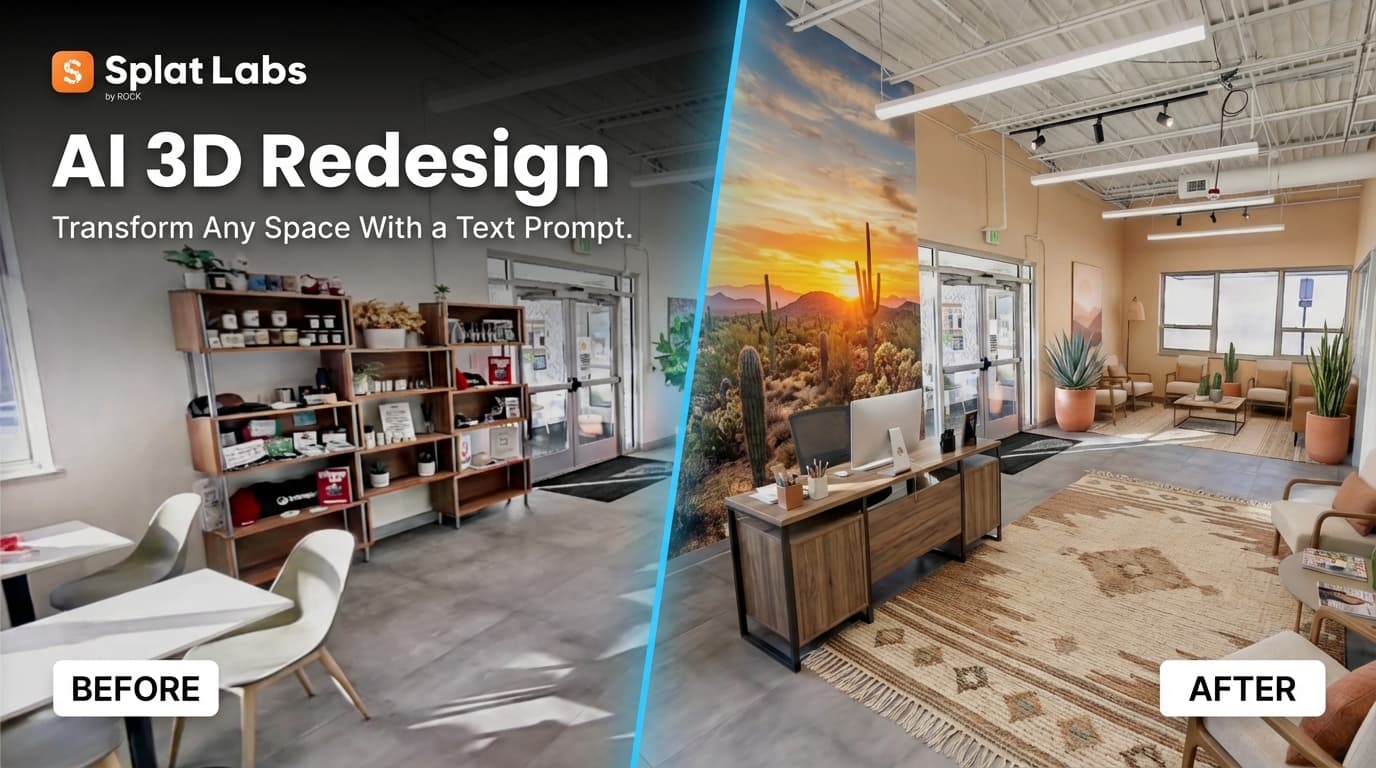
We scanned a coworking space in Denver — the Saltbox warehouse and office on Dahlia Street — and then we typed a single sentence into the AI prompt box:
"Turn this entryway into an Arizona-themed modern reception area with desert plants and warm lighting."
What came back was not a mood board. It was the same room — same walls, same ceiling height, same column positions — completely redesigned in a photorealistic AI image. New surfaces. New furniture. New lighting. And you could generate images from any viewpoint inside the original 3D model — on your phone.
Watch the Transformation
A single text prompt transforms the Saltbox Denver coworking space inside Splat Labs. The architectural geometry is preserved — the interior is reimagined.
That is the AI Redesign feature inside Splat Labs Cloud. You give it a 3D Gaussian Splat of a real space. You describe the design you want in plain English. And it generates photorealistic AI images of that redesigned space — from any viewpoint you choose, on any device, before a single wall is painted.
The Problem This Solves
If you work in commercial real estate, architecture, or interior design, you already know this pain: your client cannot see it. They are standing in a half-furnished coworking space or a gutted office with exposed conduit, and you are saying "just imagine it with the walls painted and different furniture" — and they are nodding politely while mentally checking out.
This visualization gap kills deals. Tenants negotiate improvement allowances of $30 to $80 per square foot based on a mental picture that never quite matches what gets built. Designers present 2D floor plans that clients approve but do not really understand. Change orders pile up once construction starts and reality diverges from expectation.
The tools that exist today do not solve this well. 2D virtual staging services edit a single photograph from a single angle. Traditional architectural visualization firms produce beautiful 3D renderings — for $20,000 to $80,000 per project, with weeks of lead time and detailed CAD drawings required as input. AI image generators like Midjourney produce gorgeous images that have nothing to do with the actual room dimensions.
None of them let your client walk through the space.
What the AI Actually Does (and Does Not Do)
This distinction matters, especially if you are an architect or TI planner making real decisions based on the output.
What changes: Surface materials, wall and floor finishes, lighting character, furniture, fixtures, color palette, and design language. The AI transforms everything that could change in a real renovation without moving structural walls.
What stays exactly as captured: Room dimensions, square footage, ceiling height at every point, column positions, door and window locations, and the spatial relationships between areas.
The structural geometry is sacred. The AI cannot make a 9-foot ceiling look like 12 feet, because the Gaussian Splat measured the real ceiling. It cannot widen a hallway, because the LiDAR recorded the actual walls. This is what separates it from any image generation tool — the result is constrained by physical reality.
And because the AI images are generated from the real 3D scan, you can use Splat Labs' built-in measurement tools on the original model to verify column spacing, check if a conference table will actually fit, or confirm ceiling heights — the spatial data is always there in the scan. The redesign is beautiful and honest.
How It Changes the Conversation
We have watched this play out in real leasing situations, and the dynamic shift is dramatic.
Before AI Redesign: A broker walks a prospect through a stale office. The prospect tries to imagine their brand on the walls. The broker says "we can definitely open this up" while pointing at a load-bearing column. The prospect leaves, thinks about it for a week, and ghosts.
After AI Redesign: The broker sends a link before the tour. The prospect opens it on their phone and walks through a version of the space already designed to match their brand aesthetic. By the time they arrive for the physical tour, they have already mentally moved in. The lease conversation becomes "when" instead of "if."
This works the same way for interior designers presenting concepts to clients, for landlords showing multiple buildout options to different prospects, and for architects walking a client through three different layout configurations before drawings are produced. One scan, unlimited design variations, all shareable as images and alongside the original walkable 3D model — accessible from any device.
The Workflow
We kept the process intentionally simple. Four steps:
1. Capture the space. Walk through it with a PortalCam or any Gaussian Splat capture device. Splat Labs accepts files from PortalCam, XGRIDS, Polycam, Luma AI, DJI — anything that produces a PLY, SPLAT, or KSPLAT file. You are not locked into specific hardware.
2. Upload to Splat Labs. Log in at cloud.splatlabs.ai and upload the scan. Cloud processing handles everything — no local GPU required.
3. Type a design prompt. Open AI Scene Redesign, describe the look you want in plain English, and submit. You can run multiple prompts on the same scan to generate different design concepts.
4. Share the result. Send a link to the original 3D model and share the AI-generated images. Your client sees the real space and the redesigned version — on any device, no account needed.
The entire workflow — scan to shareable redesign — can be done by one person. You do not need a design team, a 3D modeling artist, or a VR developer.
Part of a Bigger System
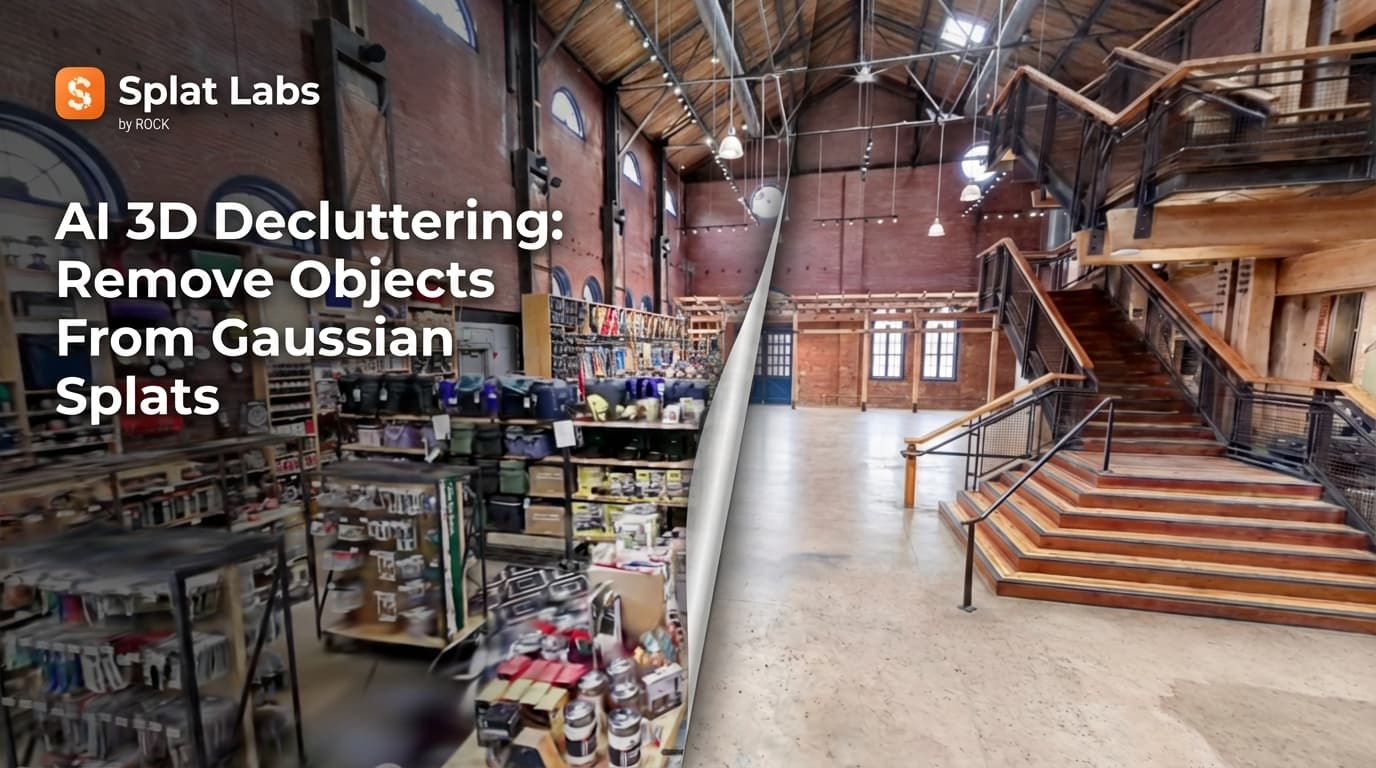
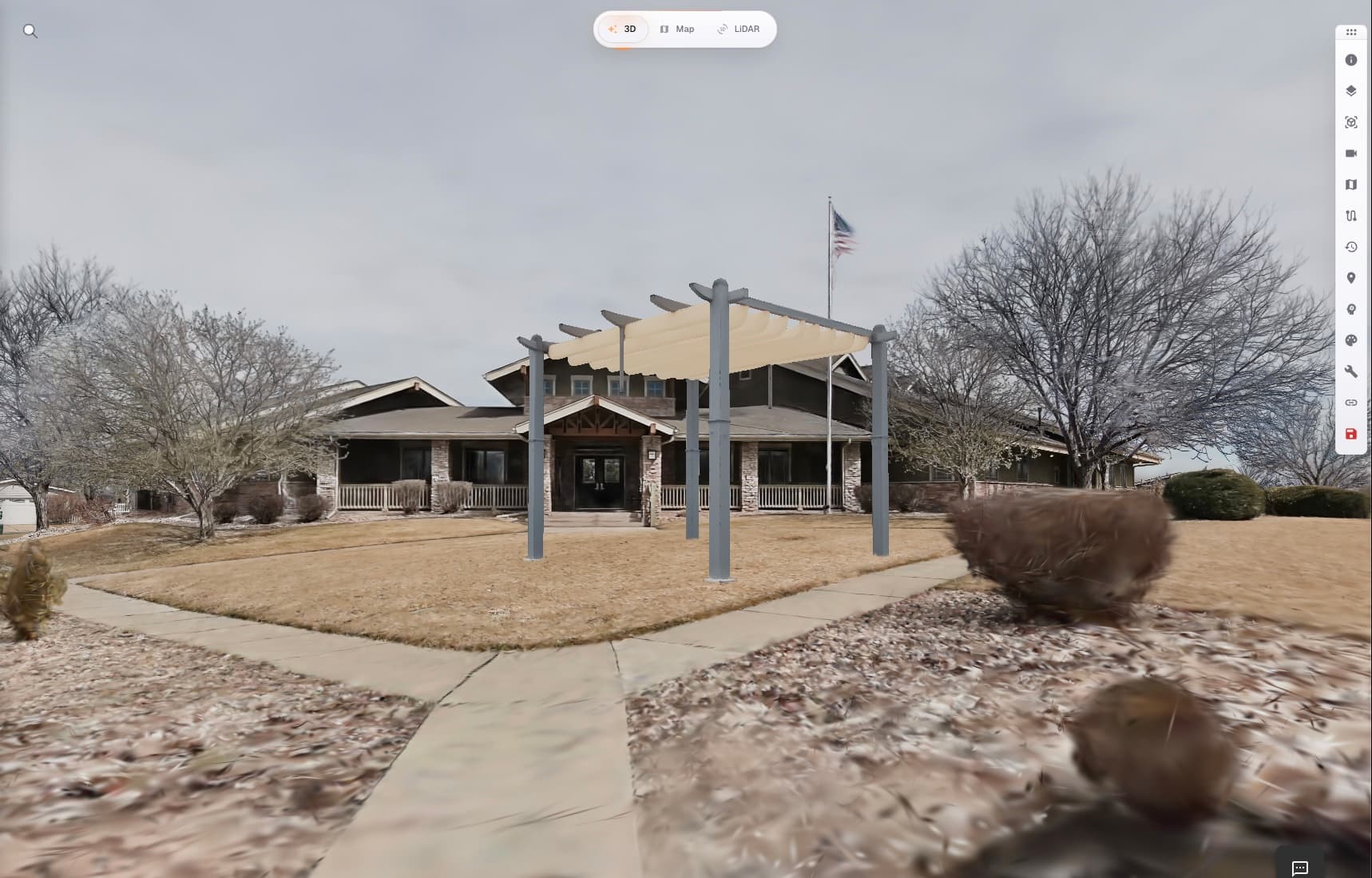
AI Redesign is one of three spatial AI capabilities inside Splat Labs. You might want to use AI Remove first — stripping an occupied space of its existing furniture and inventory to reveal the clean architectural shell. Then Redesign that shell into a new concept. Then use AI Add to insert specific objects or fixtures at exact scale.
A single scan can become an infinite number of versions of a space. Different design themes for different prospects. Different layout concepts for different use cases. All generated from one capture, all shareable as a link.
Every project lives on the Splat Labs platform — you can embed the 3D model on any website, generate floor plans from the scan, connect multiple rooms with Portals, share with team members in enterprise workspaces, or white-label the viewer with your own brand.
Try It
Create a free Splat Labs account to get started — the free tier includes two projects. Upload a Gaussian Splat and experiment with AI Scene Redesign.
For capture hardware, the PortalCam starts at $4,999 (Standard) and includes a free year of Splat Labs Starter. AI features are pay-as-you-go on all plans. See full pricing here.