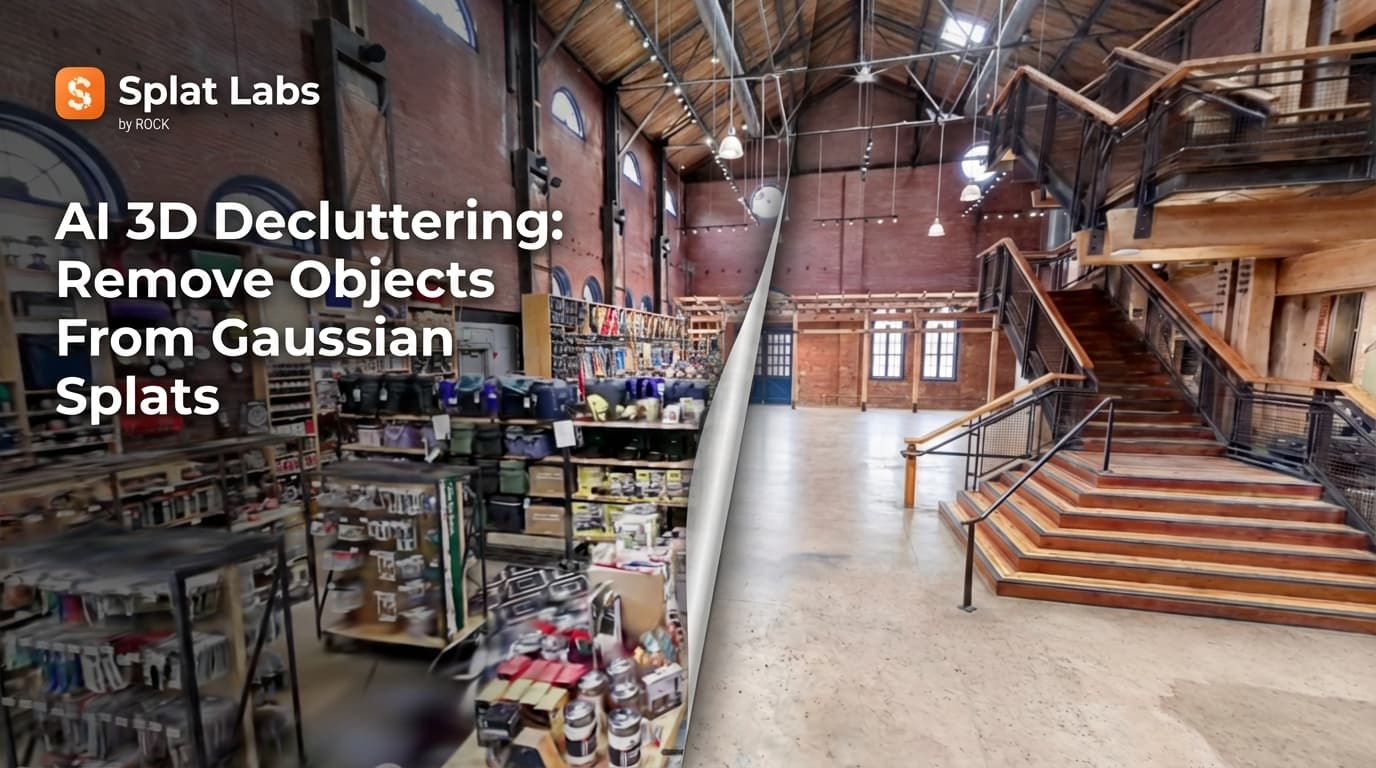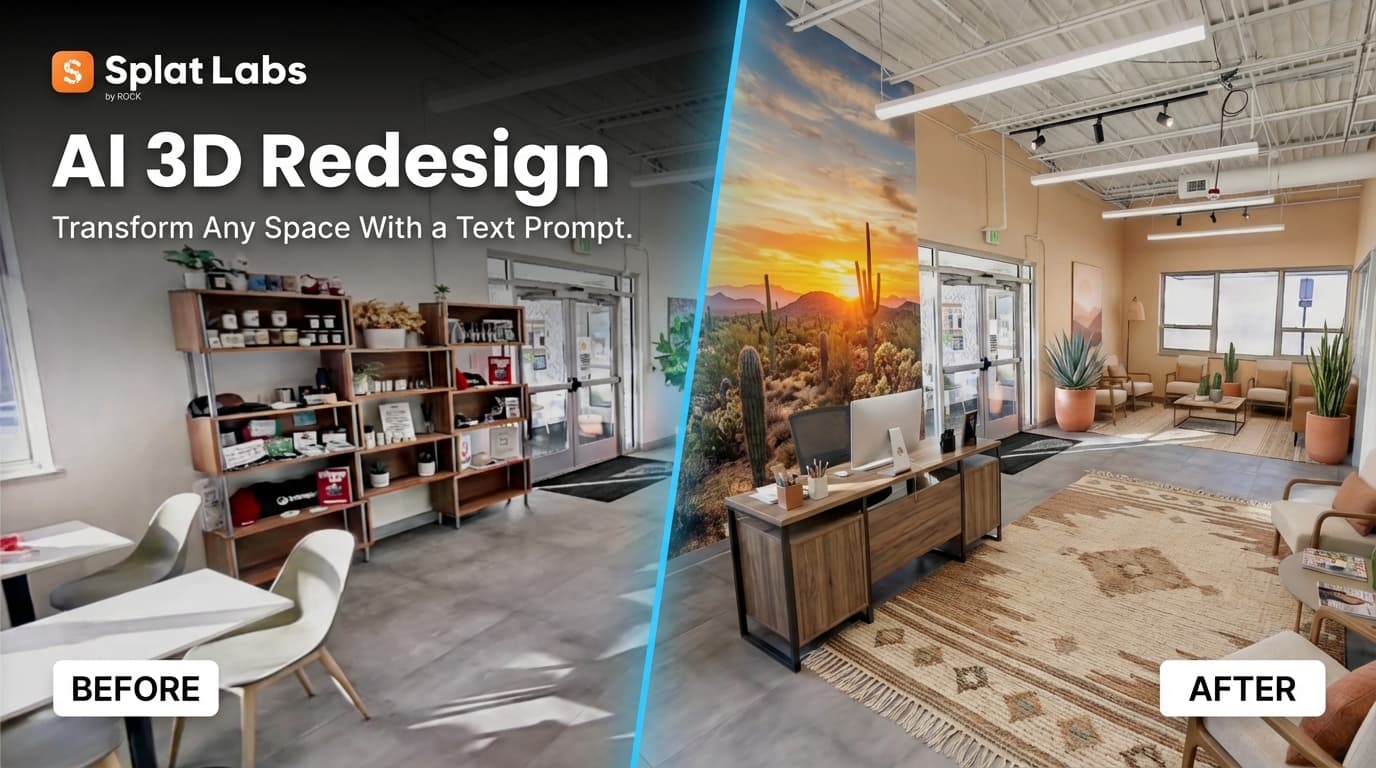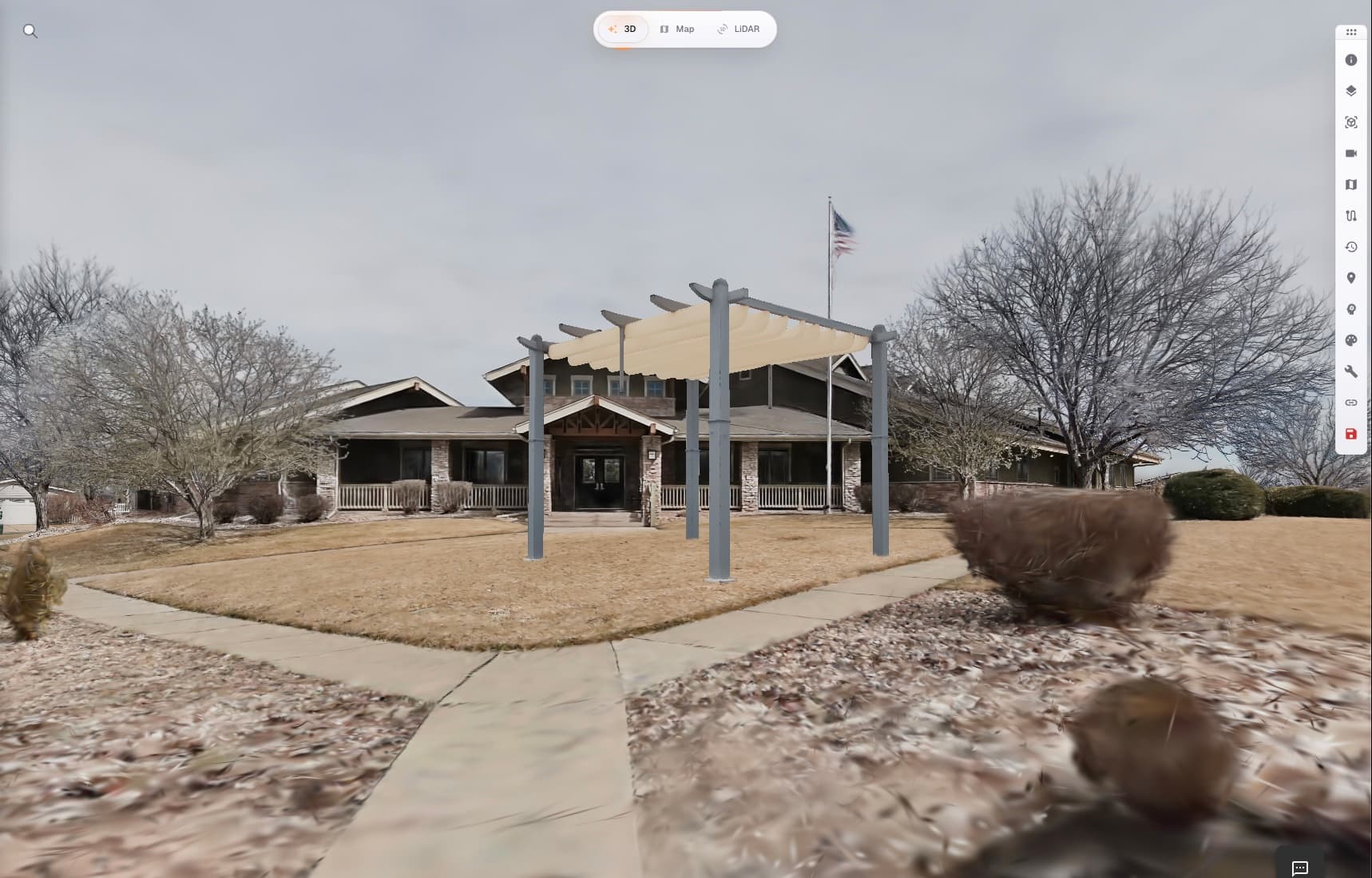

The script says the monster is 300 feet tall. It crests the skyline at Shibuya Crossing, Tokyo — the most filmed intersection on earth. The Director of Photography needs to know: from the camera position at street level, which lens makes it loom? How much of the frame does it fill from a 24mm wide versus a 135mm telephoto? Where do you place the actors so the sightline reads in camera — for a creature that will not exist until eight months into post-production?
Traditionally, the answer is: hire a pre-vis studio. They build a rough 3D version of the intersection from Google Street View and reference photos. Your VFX team models a proxy creature. A pre-vis supervisor puts it together in Maya or Unreal. You get something useful weeks later — but it is disconnected from the physical reality of the actual location you are going to shoot.
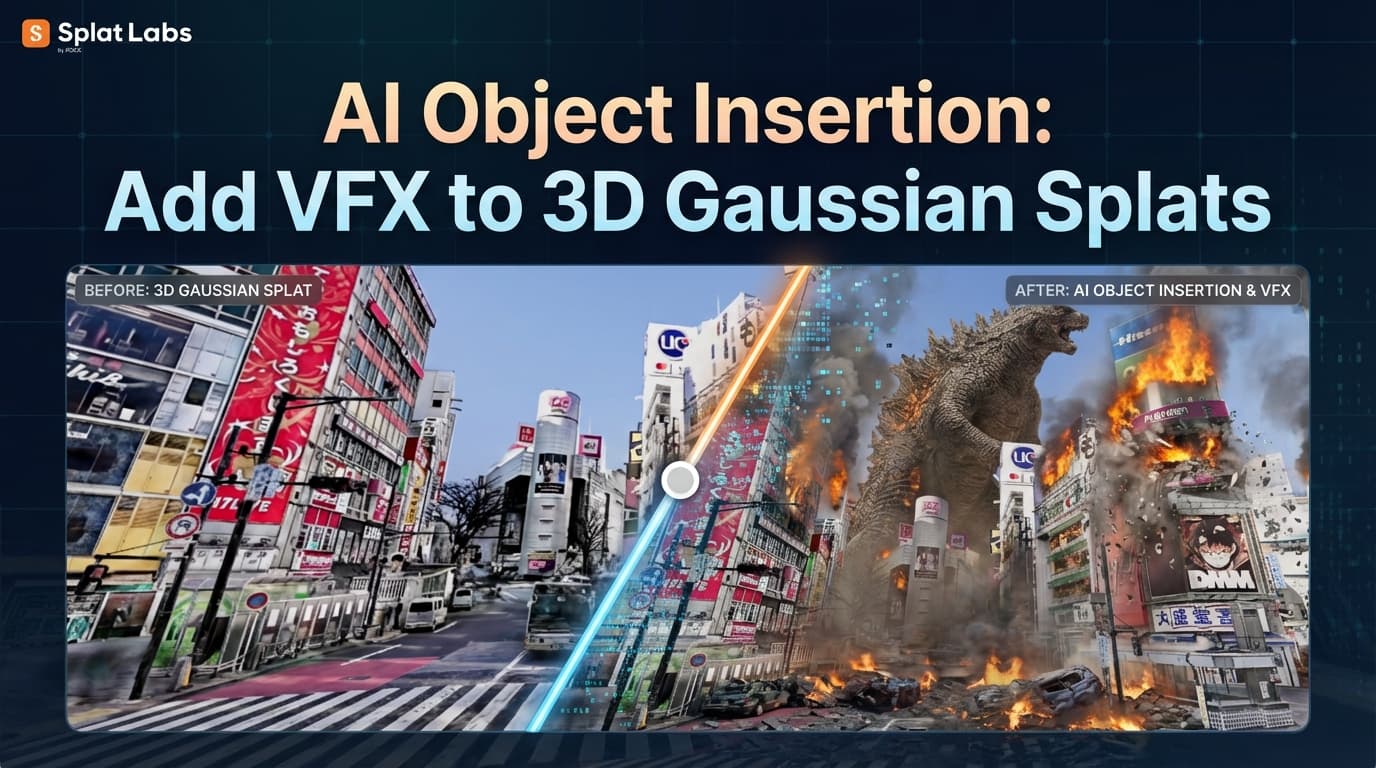
We tried a different approach. We drone-scanned Shibuya Crossing, uploaded the Gaussian Splat to Splat Labs, and typed six words.
"Add a giant Godzilla looming over the buildings in the background."
The Result
A 300-foot creature generated at real-world scale into an AI image of Shibuya Crossing — from the 3D Gaussian Splat. Navigate to any camera position in the scan and generate a new image — plan lens choices and blocking before anyone shows up on set.
That is an AI-generated photorealistic image produced from a specific viewpoint inside the 3D Gaussian Splat. Navigate to any position in the original 3D model and generate a new image — check how the creature reads from any camera position you want. A DP could stand at the Hachiko exit of Shibuya Station, open the 3D scan on an iPad, move to three different camera positions, and generate an AI image from each one — without putting a camera, crew, or expensive VFX asset anywhere near production.
This is AI Add inside Splat Labs Cloud. The third piece of our AI Scene Redesign toolkit — alongside AI Remove and AI Redesign.
Why Traditional Pre-Vis Falls Short
Pre-visualization is not optional on heavy VFX shoots. If you do not plan how CGI elements integrate with real-world photography, you find out what went wrong in post — at a cost of tens of thousands of dollars per iteration, plus reshoots, schedule delays, location re-booking, and crew re-hires.
The industry currently solves this by patching together disconnected tools. Location scouts shoot flat photo packages. Pre-vis studios produce rough 3D animations from those photos. Technical previsualization teams survey camera positions using CAD. Each piece is produced in isolation, and the DP has to reconcile them all on a monitor while trying to imagine how it will actually feel on location.
The disconnect between the virtual representation and the physical reality is where bad decisions live. When a major VFX sequence requires reshoots because the on-set photography did not leave room for the digital asset, the bill is never just the reshoot. It is everything that comes with it.
Splat Labs collapses this into a single step. Scan the real location. Navigate to any camera position in the 3D model. Generate an AI image with your digital asset placed at real-world scale from that exact angle.
The pre-vis is the location. The location is the pre-vis.
What Changes for Production Teams
We have been talking to DPs, VFX supervisors, and production designers about how this fits into their workflow, and a few things keep coming up.
For DPs: The immediate value is lens planning. Instead of guessing from flat reference photos, you navigate to any camera position in the 3D scan and generate an AI image from that exact angle. How does the creature read from a 24mm at the corner of the crosswalk? What about an 85mm from the opposite side of the street? You answer that question in minutes, not weeks.
For VFX supervisors: The scene is accessible as a web link. No VPN, no special software, no GPU workstation. Open it on an iPad on set and show the on-set VFX team exactly how the digital asset needs to fit with the plate photography. The spatial reference is always there, on any device, at any time during the shoot.
For location scouts and production designers: You are no longer delivering flat photo packages of candidate locations. You are delivering navigable 3D environments. The entire production team can explore a location remotely — walking through it themselves — before anyone buys a plane ticket.
Not Just Film
The ability to generate AI images showing large objects at real-world scale within a real 3D scan of a real location is useful far beyond VFX.
Event production. A concert promoter evaluating a stadium for a touring act needs to know if a custom stage configuration will fit, where sightlines work for different seating zones, and how a specific set design reads at scale. Scan the venue, insert the stage at actual dimensions, and answer those questions before a single production call is placed.
Architecture and urban planning. An architect proposing a new building on a city block needs to show stakeholders how the structure reads in context. Drone-scan the block, insert the building at scale, and let the planning committee walk around it at street level. The scale relationships are honest because the scan measured the real world.
Venue sales. Venues selling to prospective event clients can scan the raw space and insert event-specific configurations — stage positions, seating, lighting rigs — at real scale. Sell the event before it exists, in a medium the client can actually explore.
How It Works
The workflow mirrors the other AI Scene Redesign capabilities — deliberately simple:
1. Capture the location. For exteriors, a drone equipped for Gaussian Splat capture (DJI or a dedicated aerial rig) can scan an urban environment in a single flight. For interiors, a PortalCam captures everything in a walkthrough. Splat Labs accepts data from any Gaussian Splat source — hardware agnostic.
2. Upload to Splat Labs. Log in at cloud.splatlabs.ai, upload the scan, and let the cloud handle processing. No local GPU workstation required.
3. Prompt the AI. Open AI Scene Redesign, describe what you want to insert — its position, scale, and character — and submit.
4. Share the results. The original 3D scan is shareable as a web link, and your AI-generated images go out however you need — in Slack, email, or a client deck. The 3D model opens in any browser on any device, and your AI images are standard files anyone can view.
The total turnaround from location capture to shareable pre-vis images is measured in hours, not weeks. For a production team deciding whether a location works for a complex VFX sequence, that speed changes what is possible in the scout phase.
Cloud-Native, Not Desktop-Bound
This matters for production environments specifically. Traditional 3D AI tools for film — including platforms like Veesus Arena Intelligence — require expensive Windows desktop workstations with high-end GPUs. Processing happens locally. You need specialized hardware, trained operators, and a controlled environment.
Production environments are the opposite of controlled. They are chaotic, mobile, and distributed. A tool that requires a GPU workstation at a fixed office location is a tool that does not work on set, in the scout van, at the client meeting, or in the edit bay.
Splat Labs runs in a web browser. The scan is uploaded from any device. The prompt is typed on a laptop. The result is delivered as a link. That is not a minor convenience — it is the difference between a tool that works where you actually need it and one that does not.
What Is Coming Next
The current capability inserts AI-generated visual representations of objects into Gaussian Splat scenes. The next frontier — in active development — is Prompt-to-True-3D: generating actual volumetric 3D geometry inside the scan from a text prompt.
The difference: today, the AI inserts a photorealistic representation. Soon, the AI will generate a real 3D mesh — exportable, measurable, and integrable directly into VFX and CAD pipelines. For production teams, this closes the loop between location capture, pre-visualization, and asset production in a single platform.
If you want to be first in line, reach out.
Try It
Splat Labs is free to start — the free tier includes two projects. Upload a Gaussian Splat, experiment with AI features, and see the results for yourself. AI features are pay-as-you-go on all plans. Full pricing here.